Generate accurate manufacturing outputs while ensuring compliance with industry regulations, reducing production errors and time-to-market.
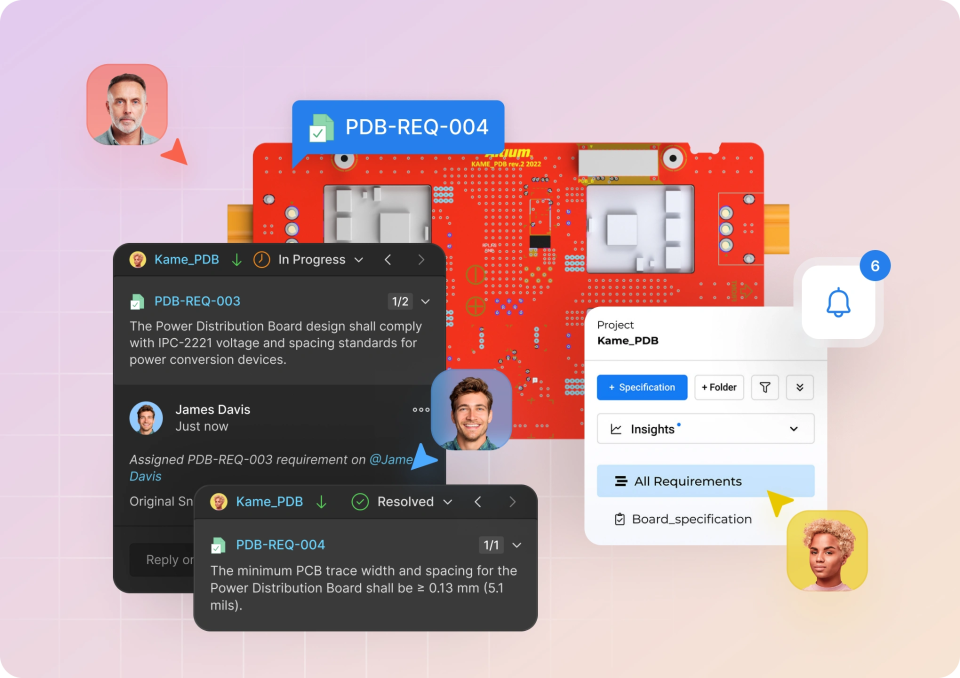
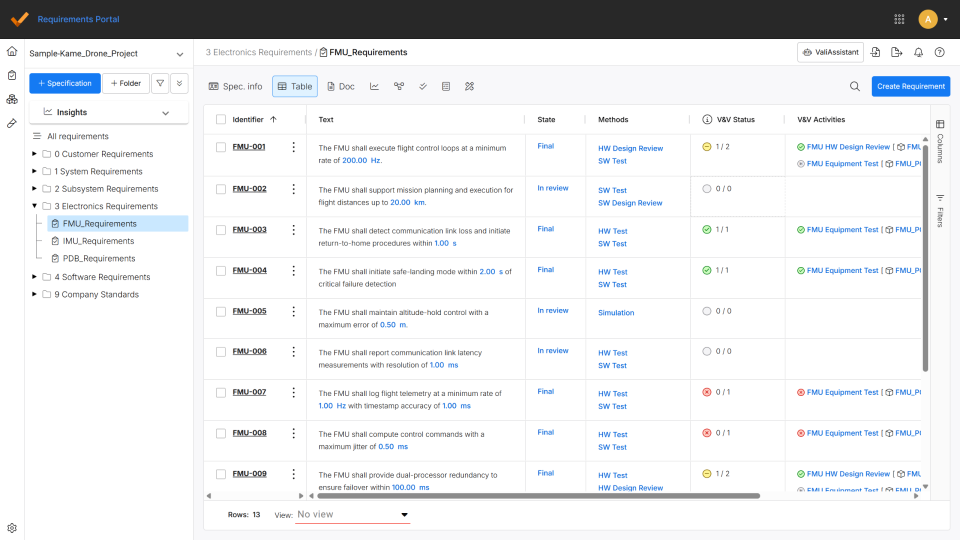
This tutorial guides users in how to centralize, connect, and manage requirements within the Altium Requirements Portal, showing how to import existing data, link it directly to design projects, and maintain a single, version-controlled source of truth. It highlights how integrated workflows improve traceability, streamline verification, and provide real-time visibility into project progress, while also simplifying compliance reporting. Read on to see how these tutorials can help you reduce errors, stay aligned, and bring greater clarity and confidence to your design process.
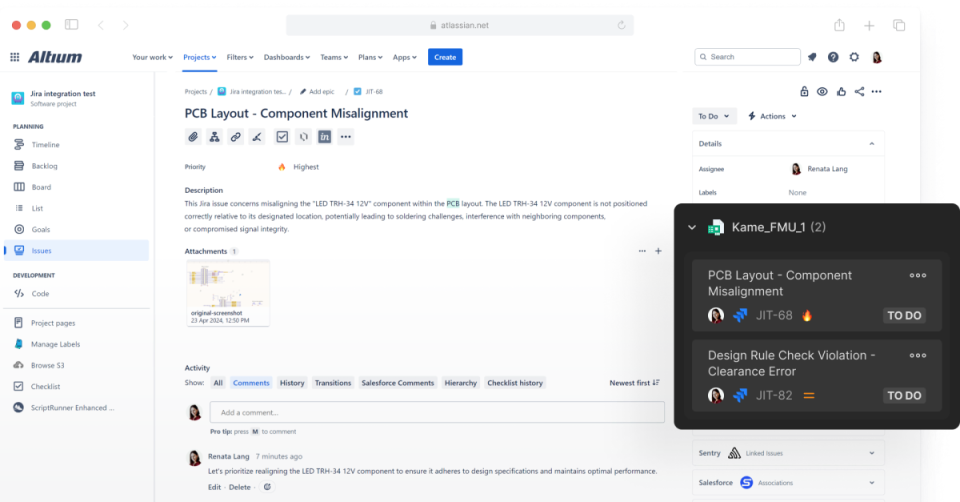
Learn how to enable bidirectional data synchronization between Atlassian Jira® Issues and Altium 365 Workspace Tasks with Altium 365’s Jira Integration. This integration allows the remote creation of Jira Issues directly from your Altium 365 Workspace.
This article walks through how manufacturing engineers can access, validate, and act on production-ready data using a unified, browser-based environment that simplifies the transition from design to fabrication and assembly. It covers interactive assembly guidance, supply chain monitoring, PLM integration, and streamlined ordering workflows that improve accuracy, reduce manual effort, and keep production aligned with the latest design data. Read on to see how these guided tutorials can help you eliminate inefficiencies, reduce risk, and keep manufacturing processes running smoothly and confidently.
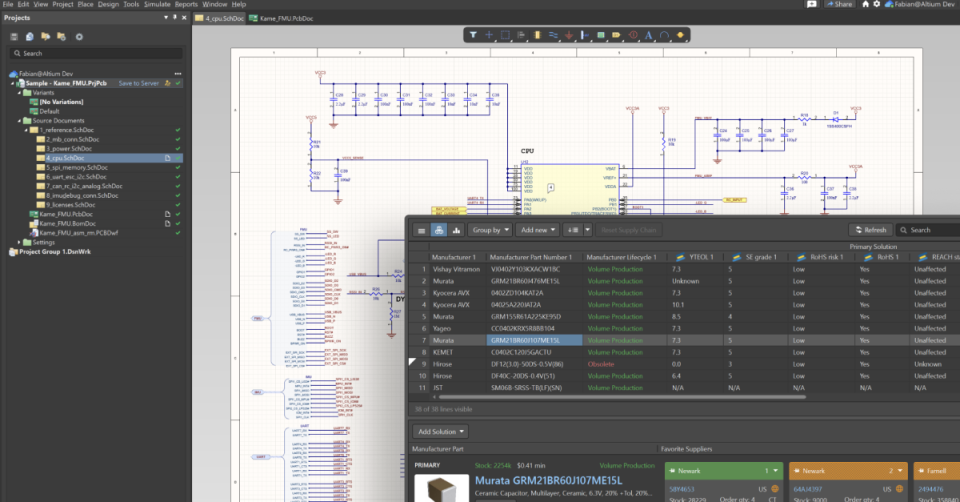
Learn how to get started with SiliconExpert Integration and enrich your parts with valuable information like live YTEOL, lifecycle, and compliance data. This guide provides resources on key onboarding objectives and best practices.
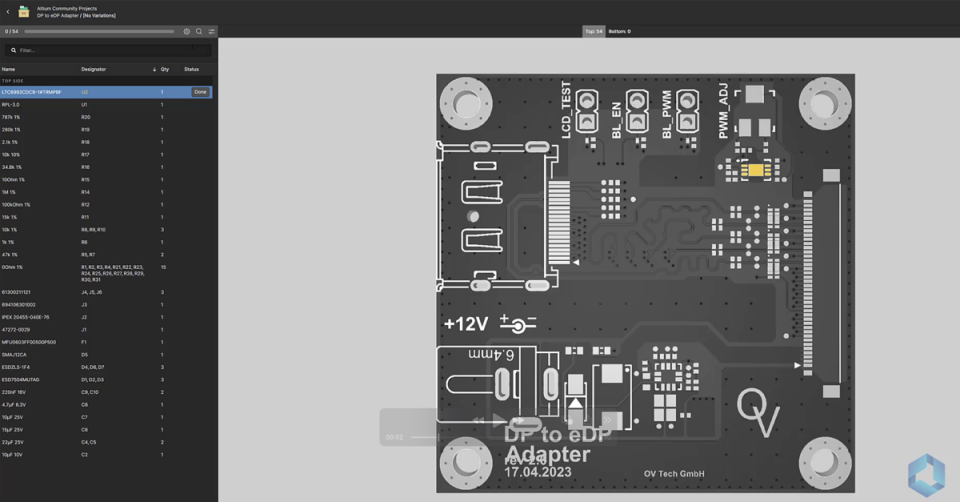
Learn how to use Altium 365's PCB Assembly Assistant to accelerate PCB prototyping and short-run manufacturing with component-level board assembly lists. This onboarding guide includes step-by-step instructions, best practices, and additional resources to get started.
This article introduces how to get started with the Requirements Portal, showing how to create, manage, and connect requirements to design and verification data within a unified environment. It highlights key onboarding steps, tutorials, and best practices that help teams build traceability, maintain visibility, and keep requirements aligned throughout the product lifecycle. Read on to learn how to confidently set up and use the Requirements Portal to keep your projects organized, connected, and on track.
Optimize space requirements management. Learn how to modernize workflows, improve traceability, and prevent failures in fast‑moving space engineering.