
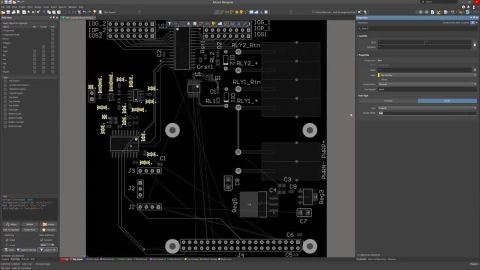

We are happy to announce the release of the new Altium Designer Getting Started User Guide. Whether you are new to Altium Designer or you want to brush up on some topics, the Altium Designer Getting Started User Guide will take you from a beginner to a master in PCB design. This is only the beginning! This guide will be updated with new information based on user feedback. Let’s first go over the contents of the guide.
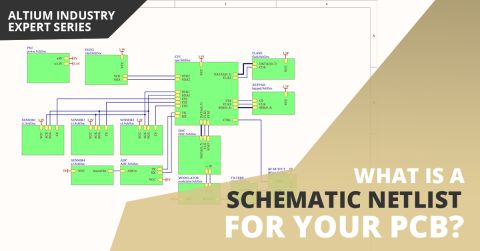
If you’ve created your next great schematic, there is a lot going on behind the scenes in your design software. The connectivity between components in your schematic can be reduced to a small number of logical and electrical identifiers. The schematic may provide a graphical picture showing connections between different components and pins, but to really understand everything about your design, you’ll need an important document. A schematic
Your modern digital board is most likely classified as high speed, regardless of whether you looked at the datasheets for your components. Designing your board successfully will take some important steps when you begin your design. Aside from floorplanning and stackup design, your routing strategy will need to operate within some important PCB design constraints. After you capture your schematic as an initial layout and create an initial
Before saving a Workspace Library component defined/edited in the Component editor (in Single Component Editing or Batch Component Editing mode) to the connected Workspace and making the component be available for use in designs, it is essential to make sure that this component meets the requirements in accordance with the configured settings. When you attempt to save a component back to the…
Parent page: Global Sharing In support of Altium 365's Global Sharing paradigm, Altium Designer supports the ability to share your design projects with others, anywhere around the world, directly from within the software. This complements the ability to share designs from within the browser-based Altium 365 platform itself. The following levels of sharing are supported from within Altium Designer…
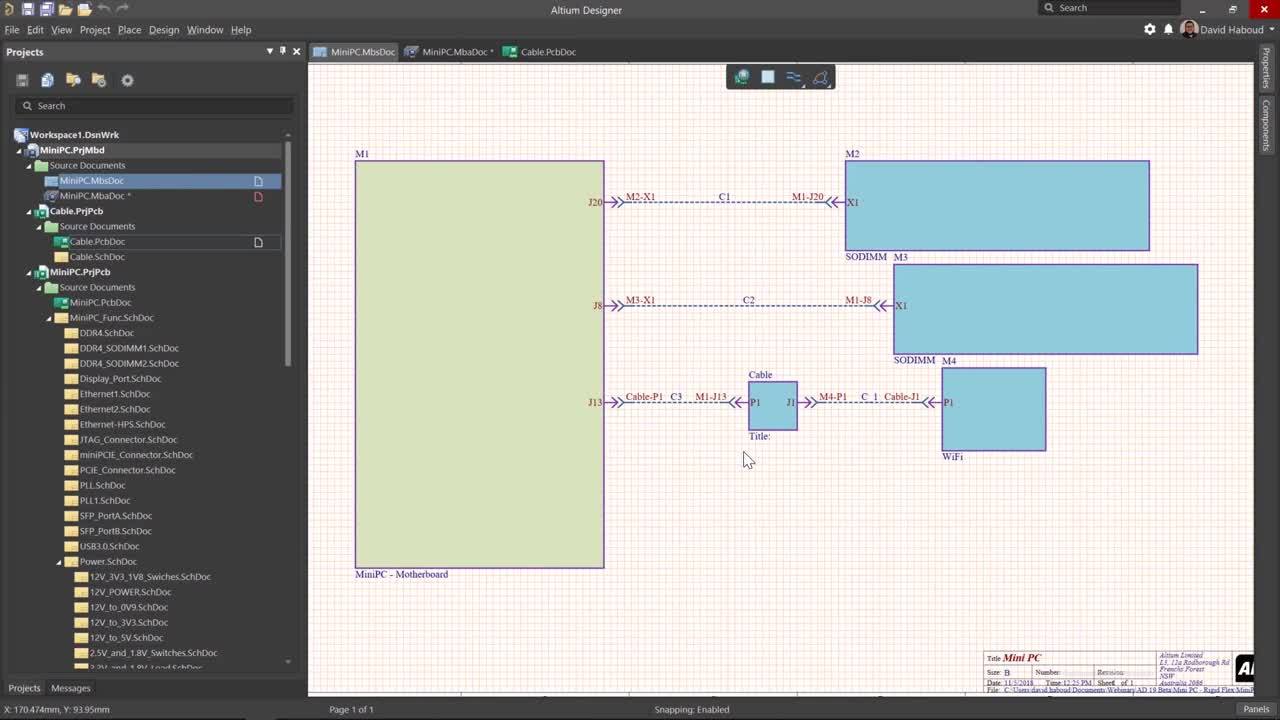
Projects Panel The Projects panel displays all projects that are currently open and their constituent documents and structure. The panel's right-click context menus offer the majority of commands required for working with design documents. The Projects panel Note that the presentation of documents in the Projects panel does not reflect how they are stored on the hard drive or elsewhere. The panel…
The content of this page is available only for Altium Designer version 23 and above. To select a version of the software, use the version selector at the top of the page.
The content of this page is available only for Altium Designer version 20.0 and above. To select a version of the software, use the version selector at the top of the page.
Parent page: Working Between the Schematic and the Board Related Resources Creating Connectivity Compiling and Verifying the Design Whether you're transferring a captured design to a new PCB for the first time, or making changes to an existing design on either the schematic or PCB side, some way of keeping the two sides in-sync is required. Altium Designer provides a powerful design…
Configuration and Customization Overview There are many ways you can configure the Altium Designer design space so that it works the best for you, including using dual monitors, viewing all documents simultaneously, and saving your unique desktop layout. The Altium Designer design space can be customized in order to help you be more productive in your design work. Resources in an editor are the…
Parent page: Board Design Release Publishing Destinations offer you the ability to publish release data for a revision of a PCB Fabrication Data Item, PCB Assembly Data Item, or PCB Project Design Item, directly from a managed content server, or Output Job, to a storage space - such as Box.com, Amazon S3, an FTP server, or a simple folder location on a shared network. This enables you to host…
The design rules of the Manufacturing category are described below. The Manufacturing category of design rules. Minimum Annular Ring Default Rule: not required This rule specifies the minimum annular ring required for a pad or via. The annular ring is measured radially, from the edge of the pad/via hole to the edge of the pad/via (also referred to as the land perimeter). For very dense designs,…
The design rules of the Testpoint category are described below. The Testpoint category of design rules. Fabrication and Assembly Testpoint Style Default Rule: required i The Fabrication Testpoint Style and Assembly Testpoint Style design rules specify the allowable physical parameters of pads and vias that are to be considered for use as testpoints for bare-board fabrication testing, or in…
Solutions for Every Role and Team
Discover and evaluate design options earlier
Develop in one shared workspace
Scale with control and compliance
Connect every stage of hardware development
Learn More