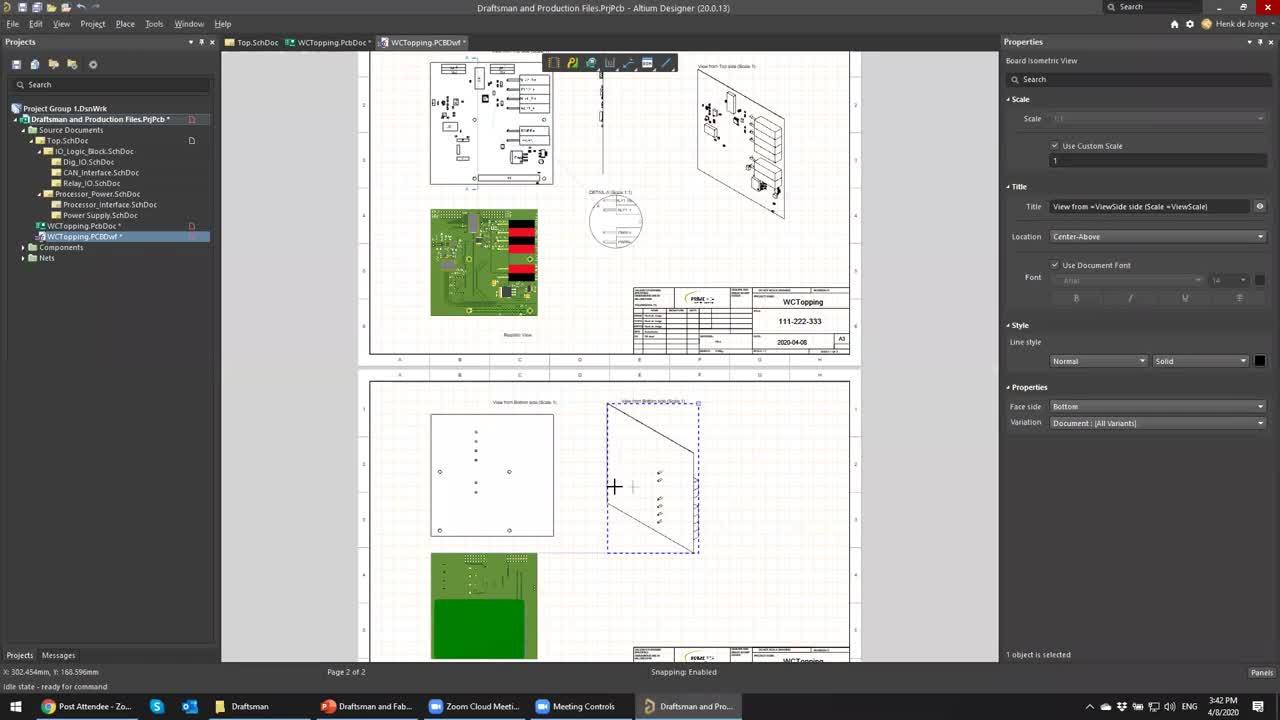
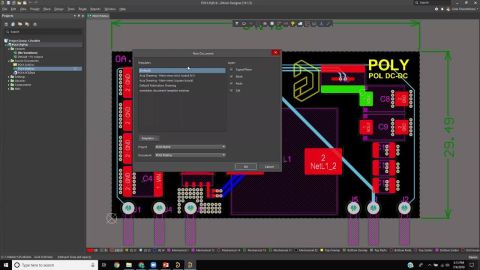

In this session, we will cover Draftsman for design documentation, FAB/Assembly house file generation and automating their creation using Outjobs.
AI agents provide substantial advantages for engineering tasks like requirements capturing by significantly enhancing efficiency and automating complex, repetitive workflows. Requirements Portal's Engineering Assistant leverages AI technologies to provide you with fast, automated review tool for your requirements that allows you to ask questions about requirements in your current project in free…
Requirements Portal is under continuous development. This page outlines new features and enhancements made to Requirements Portal in key updates. Update - 6 August 2026 Consolidated UI of the Importer In this release, the Import Wizard used to import requirements to your projects has been updated to consolidate the user interface of the AI importer and the classic (formerly legacy) importer. When…
The Altium 365 Workspace project view provides design data comparison features that allow you to compare data changes that have occurred between different project releases and/or commits. Particularly valuable for performing final checks prior to sending your product data to the manufacturing side, the features allow you to determine exactly what changes have occurred in your Gerber (or ODB++),…
The standalone Altium 365 Gerber Comparison viewer provides free access to graphically view the differences between Gerber fabrication files through your web browser. This offers a quick and easy solution for checking a design's fabrication output between release iterations or prior to sending your board production data out to manufacture. As a free service developed and provided by Altium, the…
Requirements Portal's Document Export wizard is your go-to for whipping up editable Microsoft Word *.docx files straight from your requirements and V&V activities. You can use predefined templates or upload your own templates. The wizard is fueled by the Python-Docx-Template library, which, in turn, leverages the Jinja Templating Engine. This dynamic duo allows you to craft custom templates…
You can quickly and easily upload your existing requirements data into Requirements Portal using the Import Wizard available in the Requirements Module. Leveraging AI-powered extraction, you can import requirements from unstructured PDF, Word, Excel, and CSV files, reducing the time and effort required to manually transfer requirement data and helping you capture requirements more accurately and…
A Draftsman board fabrication view (Place » Board Fabrication View) is an automated graphic composite of the PCB project's unpopulated (bare) board, as viewed from the top or bottom. The drawing data is sourced from a specified physical board layer, and additional layers can be shown as required. Two placed board fabrication views that show the top and bottom layers of the PCB For even greater…
The Assembly Assistant tool in an Enterprise Server Workspace delivers an integrated tool that allows assemblers to check and work through the board assembly process from one convenient location. For those checking a board's assembly prior to manufacture or engaged in the process of manually assembling boards (say, for prototypes or a short run), the tool provides the required set of graphical…
Requirements Portal is an advanced engineering management tool used to ensure specification and performance compliance during system design development. When enabled for your Altium 365 Workspace, Requirements Portal integrates with your PCB design projects through the exchange of design data and formalized Requirements instances. The system requirements, as created in Requirements Portal, can be…
When BOM.CoDesign is in the Released state - update the blue box below with the source code of the 'Public Feature Moves to Released' snippet. The BOM CoDesign functionality is available when the BOM.CoDesign option is enabled in the Advanced Settings dialog. The BOM CoDesign functionality facilitates collaborative BOM design between the ECAD and Procurement domains. This functionality enables…
Learn More