
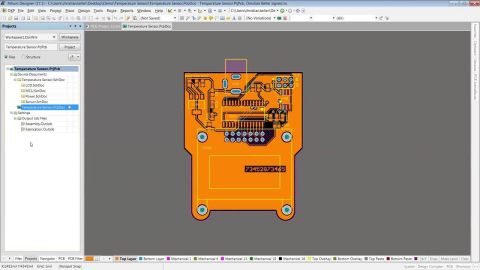
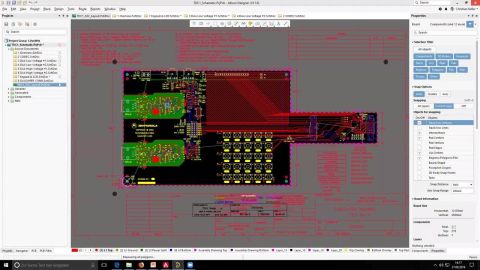

This 2 hour session will cover the basics for starting Altium, project based design and basic schematic capture concepts.
Get familiar with the Altium 365 browser-based interface, from registering an Altium Account and signing in to accessing your Personal Space and available Workspaces. This article introduces the interface’s main navigation areas, account controls, and ways to switch between Workspaces, with details on supported sign-in methods and administrator-controlled authentication. Keep reading to navigate…
Learn how administrators manage Altium 365 Workspace membership through the browser’s Team and Admin areas, from inviting users to updating their group memberships and removing access, as well as handling 'guest' access. This article also explains how to review a member’s accessible projects and transfer ownership of Workspace items when removing a member. Keep reading to manage your Workspace…
Explore the key capabilities of the Altium Platform (Altium 365), from managing design content and reviewing BOMs to integrating parts data and supporting board assembly. This quick-reference guide groups capabilities into portals, extensions, and core features, with links to detailed documentation so you can find the information you need. Availability depends on your subscribed Altium solution…
Eligible Group Administrators can upgrade their organization’s Altium account to Altium Develop through a self-service process. This article explains the eligibility requirements, what happens to existing Workspace data, users, and licenses, and the steps to complete the upgrade, including when no Workspace exists. Read on to see whether your organization qualifies and understand how to get…
Moving your on-premise Workspace data to Altium 365 GovCloud involves coordinated backups, data validation, and a planned blackout period. This guide walks you through the six stages of rehosting, explains how you and your Customer Success Manager work together, and outlines a process in which data is handled only by US Persons on US Soil. Read on to prepare for each stage and approach your…
Moving your self-managed Altium Workspace data to Altium 365 can reduce local infrastructure burdens and help your team work from anywhere. This article outlines the guided rehosting process, typically taking 3–5 days depending on data volume and complexity, from preparing backups and verifying data to planning a blackout period and accessing your new Workspace. Read on to understand what’s…
Discover how personalized Altium 365 onboarding helps your team integrate the platform into everyday design workflows. For customers whose purchased software level includes access to a Customer Success Manager (CSM), this article outlines the process from defining goals and setting milestones to initial training, follow-up sessions, and technical assistance. Keep reading to understand what to…
Find answers to common Altium 365 questions, from Workspace activation and connectivity to data protection, offline access, and component management. This FAQ also explains how to share manufacturing packages and points you to documentation and support resources for more detail. Keep reading to get practical guidance and move forward with greater confidence in your Altium 365 workflow. - Learn…
Having trouble viewing designs in Altium 365 Viewer or the platform’s Web Viewer? This guide walks you through checking WebGL support, enabling browser hardware acceleration, and using your dedicated graphics card to support smoother 3D viewing. Keep reading to identify the settings that could improve your viewing experience. - Learn how to check WebGL status and hardware acceleration settings in…
Compare PCB fabrication outputs between releases or before sending your board data to manufacture with the free, browser-based Altium 365 Gerber Compare viewer. This article explains how to upload two Gerber datasets, explore color-coded differences by layer, and measure distances in the comparison or individual source views, without downloads, installation, or registration. Keep reading to learn…
Learn More