
Altium的指南书籍为PCB设计提供了深入的见解和教育。
Discover Guidebooks for Altium Develop
This onboarding guide is designed to give your team the tools and collaboration capabilities you need to modernize your electronics design workflow.
Learn how to activate your Altium 365 Workspace, install and configure CoDesigner, and get started with MCAD CoDesigner. This onboarding guide provides links to documentation, best practices, additional resources, and help.
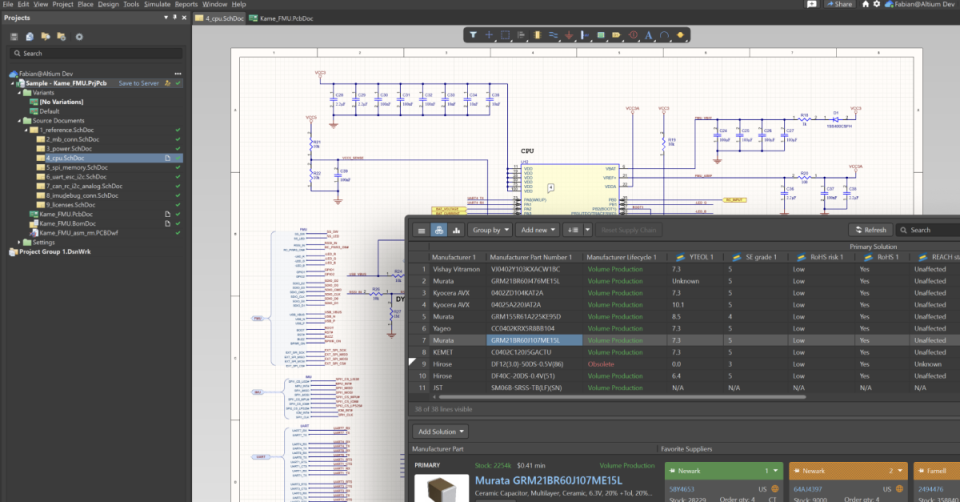
Learn how to get started with Z2Data Integration and enrich your parts with valuable information including live lifecycle, lifecycle forecast, and compliance data in Altium 365 and Altium Designer.
Altium Designer, in conjunction with Altium 365, provides a streamlined and highly automated process to quickly migrate your existing libraries
Discover Guidebooks for Altium Agile
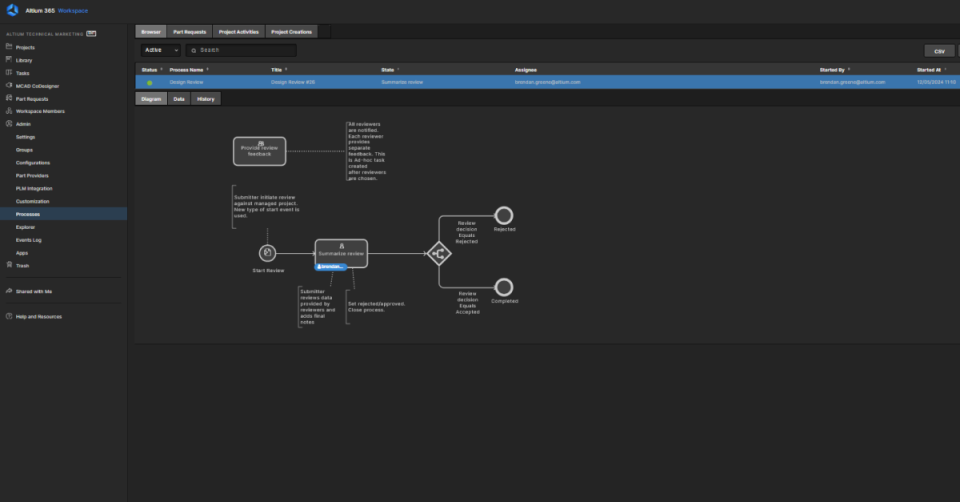
Learn how to get started with Workflows by activating your Altium 365 Workspace, activating a Workflow, initiating a Process, and completing a Process.
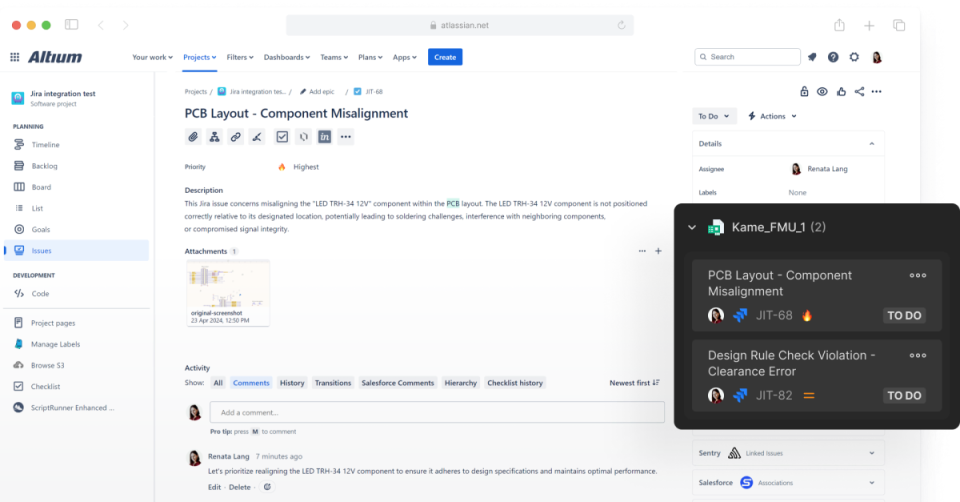
Learn how to enable bidirectional data synchronization between Atlassian Jira® Issues and Altium 365 Workspace Tasks with Altium 365’s Jira Integration. This integration allows the remote creation of Jira Issues directly from your Altium 365 Workspace.
Learn how to set up an Altium Agile Teams workspace, connect it to Altium Designer, navigate key workspace tools, and invite team members. This onboarding guide walks account administrators and new users through the core steps required to establish a shared engineering environment for project collaboration, component management, and workspace administration.
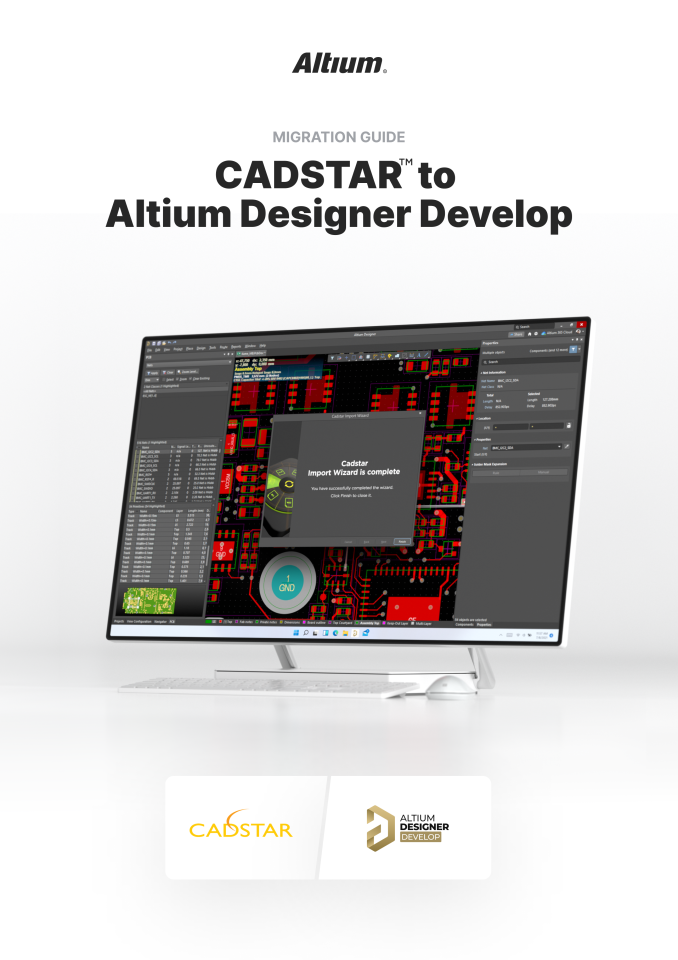
Smooth Transition from CADSTAR to Altium Designer Develop For the purpose of this migration guide we are going to focus
Discover termination methods for flexible circuits, including ZIF connectors, flex fingers, and crimped connectors. Ensure durability and performance.
Multi-board PCB assemblies must adhere to signal integrity rules and ensure low EMI. These two aspects are intertwined, as explained in this comprehensive guide.
Discover how 3D-MID technology integrates circuits into 3D structures. Download the whitepaper to explore design, applications, and Altium capabilities!
Why Early BOM Visibility Matters for Procurement: Most procurement teams discover supply chain issues only after engineering finalizes designs—when components
Introduction Change management is a structured approach to guiding individuals, teams, and organizations from a current state to a future
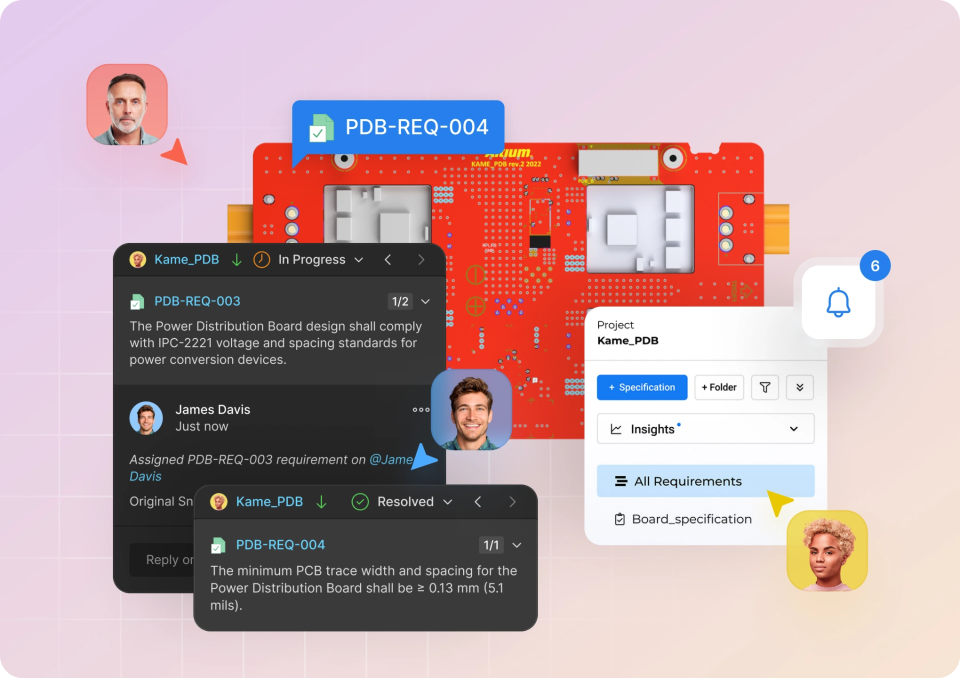
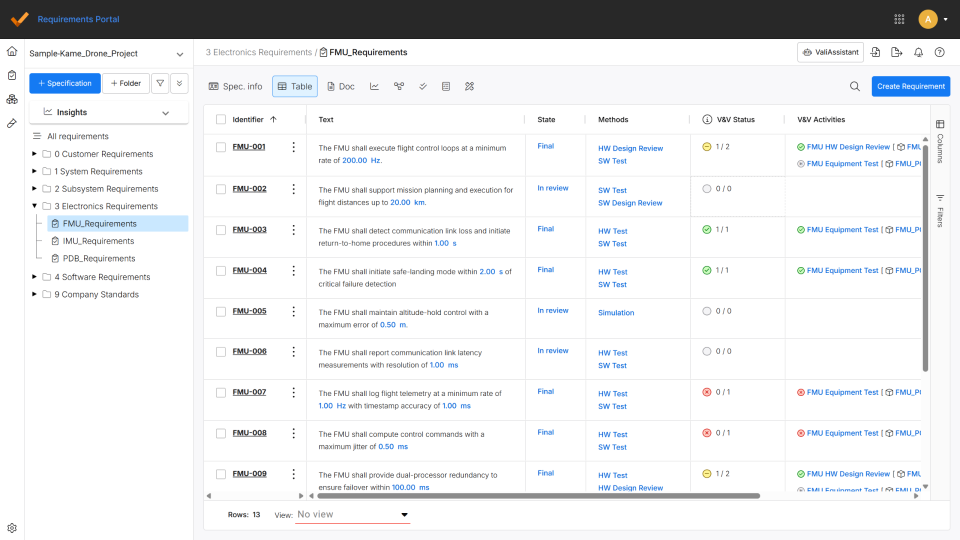
Import Requirements into the Altium Requirements Portal Most electronics teams still manage requirements in spreadsheets, documents, and email threads. As
This comprehensive video series will guide you through establishing seamless connections between your workspace and PLM system, creating a unified digital thread for your product development lifecycle. PLM integration transforms how your engineering team manages component data, project information, and manufacturing outputs by synchronizing critical design data between the workspace and your PLM system. This integration eliminates data silos, reduces manual data entry, and ensures your entire organization works from a single source of truth. This training series covers five essential areas that will get your PLM integration up and running effectively. After completing this training, you will have the knowledge and practical skills to implement a robust PLM integration that enhances collaboration, reduces errors, and accelerates your product development process.
Stay ahead of component EOL risks. Learn strategies to manage obsolescence with proactive lifecycle tracking and sourcing best practices.
Simplify RoHS, REACH, and conflict minerals compliance. Learn how engineers can manage regulations, documentation, and sourcing with confidence.
Find alternate inductors fast with this step-by-step guide. Filter by specs, compare options, and streamline part selection for your next PCB project.
Quickly find alternate electronic components with smart filters, specs comparison, and sourcing tips to keep your design on track.
Explore Guide Books for quick onboarding and learning how to use Altium products.
这些分步教程将指导用户如何设置并激活 Altium Develop Workspace、将其连接到 Altium Designer、在 Web 浏览器中浏览工作区,以及邀请和管理用户,从而帮助团队快速完成组织并开始协作。
01 - Collaborate in One Platform & Unify Your Design Environment: Engineering teams often lose time and context when design
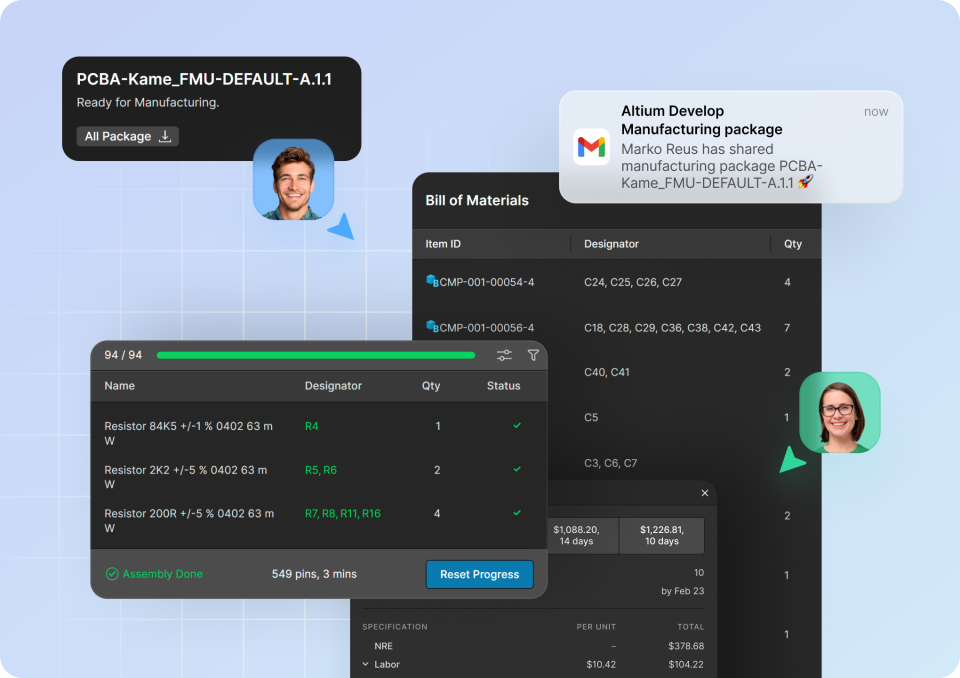
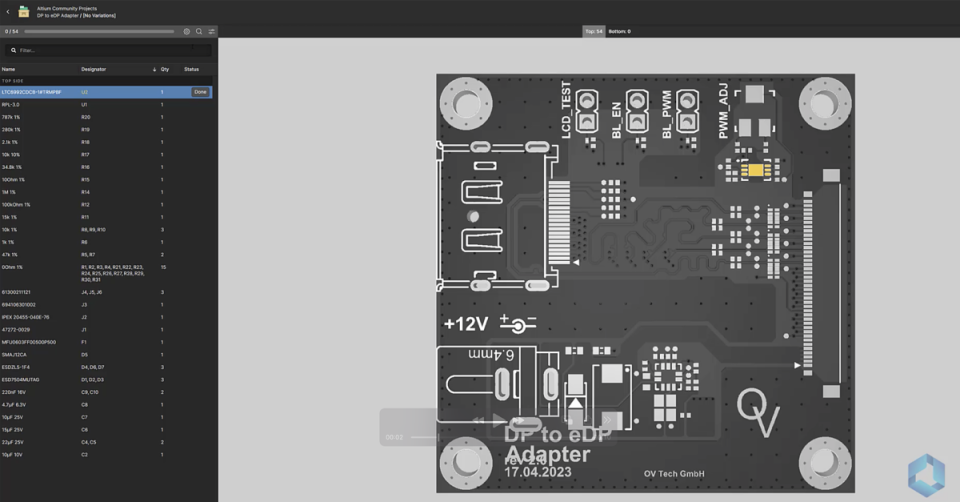
01- Viewing Manufacturing Packages: When manufacturing data is locked behind complex CAD tools or scattered across disparate ZIP files, engineers
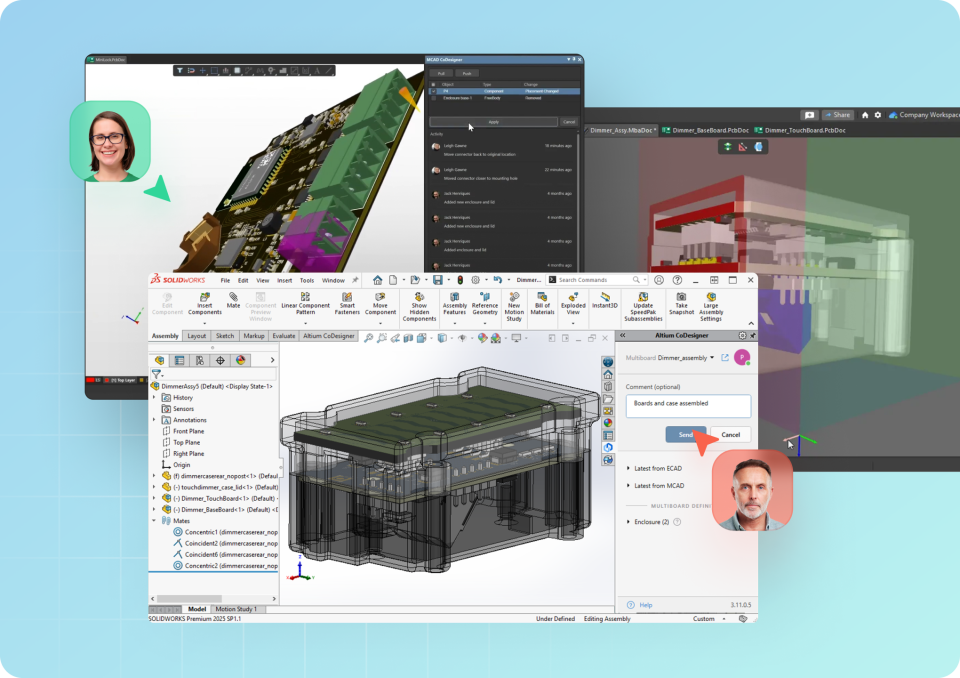
01- Establish a Live Design Link Between ECAD and MCAD: Most electronics teams still rely on static file exchanges like