

Mobile menu
产品
Altium Designer
广泛使用的PCB设计解决方案
Altium 365
基于云原生架构的电子产品研发协同平台
For Parts and Data
大量简单易用的元器件数据库
Altium Develop
资源 & 支持中心
Altium 365 免费工具
Gerber Compare
在线 PCB 查看器
了解产品
下载
联系我们
关注微信
扫描二维码
关注Altium微信平台
资源 & 支持中心
博客
支持中心
文档
Altium Community
社群
Bug提交
创意
教育项目
专业培训/认证
大学/学院学生
大学/学院教育工作者
资源中心
Education & Training
Student Lab
Educator Center
Altium Education Curriculum
Altium Professional Training
Search Open
Search
Search Close
帮助
电路工作室
Main Chinese menu
首页
PCB设计
团队协作
元器件创建
PCB数据管理
PCB设计输出和文档
ECAD/MCAD
HDI设计
高速设计
多板设计
PCB布局
PCB布线
PCB供应链
电源完整性
RF设计
刚柔结合板PCB设计
原理图输入
信号完整性
PCB设计仿真/分析
软件
Altium Designer的
资源中心
工程新闻
指南书
网络研讨会
首页
电路工作室
How to Create and Edit Your Board Shape in CircuitStudio
已创建:November 28, 2017
已更新:March 16, 2020
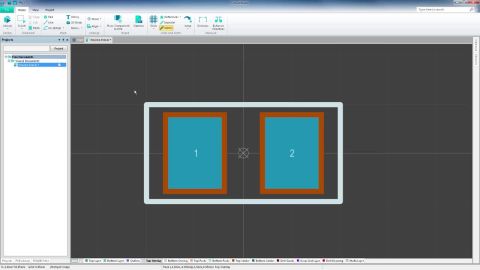
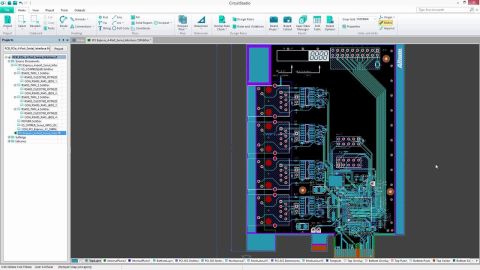
This video will go over how to create and edit a customized board shape.
Try Altium Develop!
相关资源
How to Utilize Cross-Probe, Masking and Highlighting in CircuitStudio
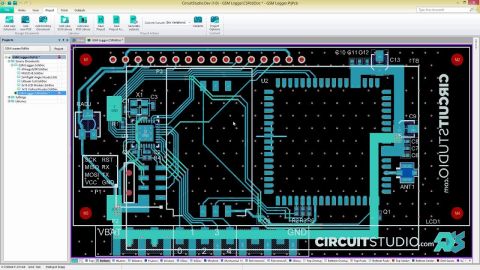
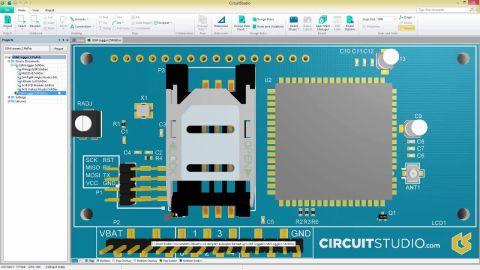
This video will cover how to use the powerful cross probing feature in CircuitStudio, including masking and Highlighting.
阅读文章
3:09
Zymbit: Success Story
观看视频
4:06
Placing Components And Other Parts On The PCB - How-To
观看视频
1:57
Comparing Different Design Documents - How-To
观看视频
1:51
Importing and Opening .STEP Files For Clearance Checking - How-To
观看视频
2:34
Polygons And Power Planes - How-To
观看视频
3:06
Finding And Replacing Components - How-To
观看视频
2:14
Generate Manufacturing Outputs - How-To
观看视频
2:42
Multi-Sheet Schematic Pages - How-To
观看视频
1:55
XSPICE Simulation - How-To
观看视频
返回主页
Multidisciplinary Product Creation
Align data and context across every discipline
Collaborate concurrently with no silos
Make faster decisions with shared visibility
Stay connected through real-time updates
Learn More
Thank you, you are now subscribed to updates.
Don’t miss updates