Skip to main content
Mobile menu
Altium Develop
资源 & 支持中心
Altium 365 免费工具
Gerber Compare
在线 PCB 查看器
了解产品
下载
联系我们
关注微信
扫描二维码
关注Altium微信平台
资源 & 支持中心
所有资源
支持中心
文档
官方直播
Altium 社群
社群
Bug提交
创意
教育
学生实验室
教育者中心
Altium 教育课程
Search Open
Search
Search Close
登录
Home
Main Chinese menu
首页
PCB设计
团队协作
元器件创建
PCB数据管理
PCB设计输出和文档
ECAD/MCAD
HDI设计
高速设计
多板设计
PCB布局
PCB布线
PCB供应链
电源完整性
RF设计
刚柔结合板PCB设计
原理图输入
信号完整性
PCB设计仿真/分析
软件
Altium Designer的
资源中心
工程新闻
指南书
网络研讨会
Overview
All Content
CoDesign and CoEngineering (ECAD/MCAD Collaboration)
Component Management and Libraries
Data Management and Version Control
Manufacturing Outputs and Compliance
PCB Design and Layout
Supply Chain and Component Sourcing
Systems and Product Design
Filter
清除
Role
全部
ECAD 库管理员
电气工程师
工程经理
IT 经理
机械设计工程师
PCB 设计工程师
采购经理
软件工程师
Software
全部
Develop
Agile
Altium Designer
Altium 365
Assembly Assistant
BOM Portal
PLM集成
GovCloud
Jira Integration
Octopart
Requirements Portal
Content Type
全部
指南
网络研讨会
视频
播客
白皮书
Region
全部
From Excel to Enterprise: Modern PLM Solutions for Hardware Teams
29 min
Podcasts
工程经理
Product Managers
采购经理
Explore how hardware teams move from Excel to cloud PLM. Unify CAD, BOMs, and supply data with AI to cut errors, speed reviews, and align engineering.
阅读文章
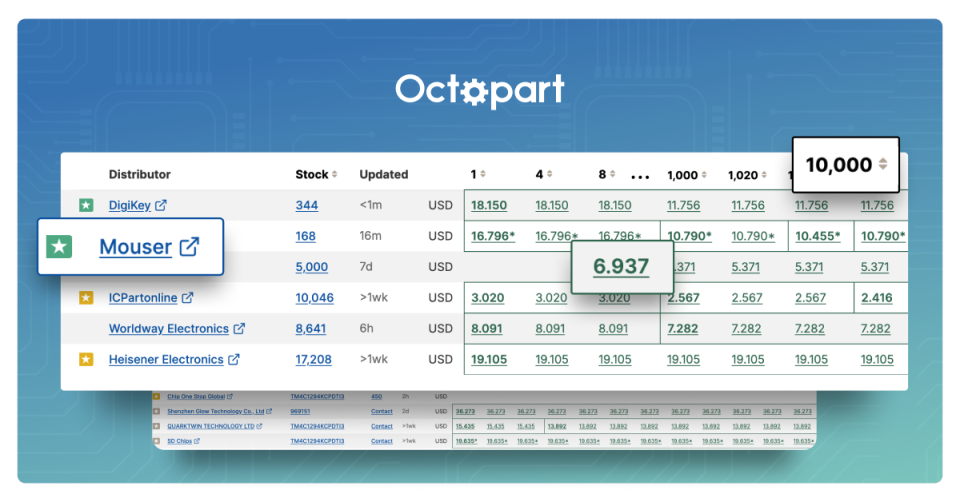
Save Money by Understanding Price Breaks on Octopart
4 min
Products Hub
采购经理
When you're sourcing electronic components, price breaks can make a big impact — but only if you can see them
阅读文章
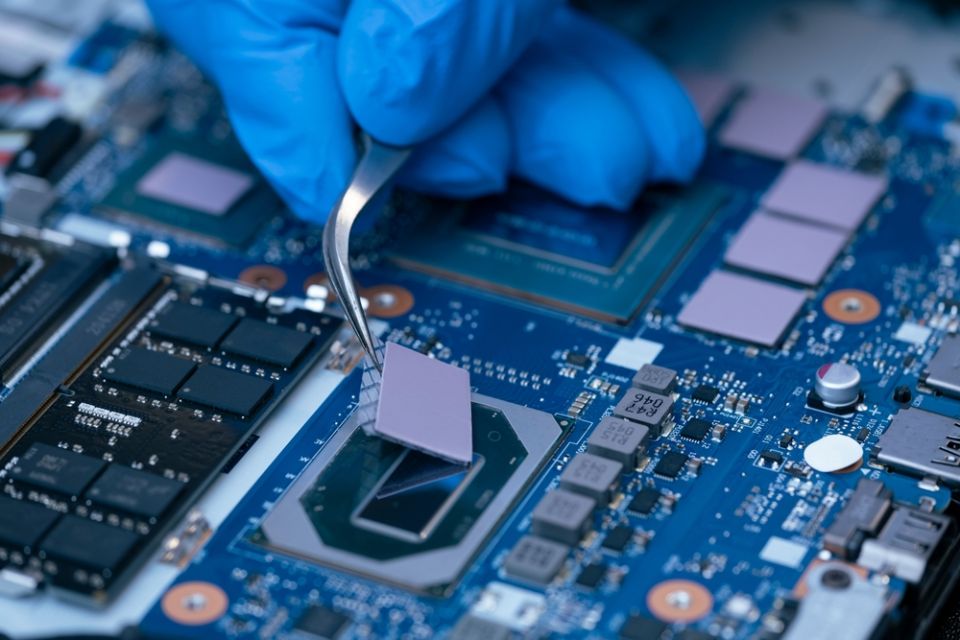
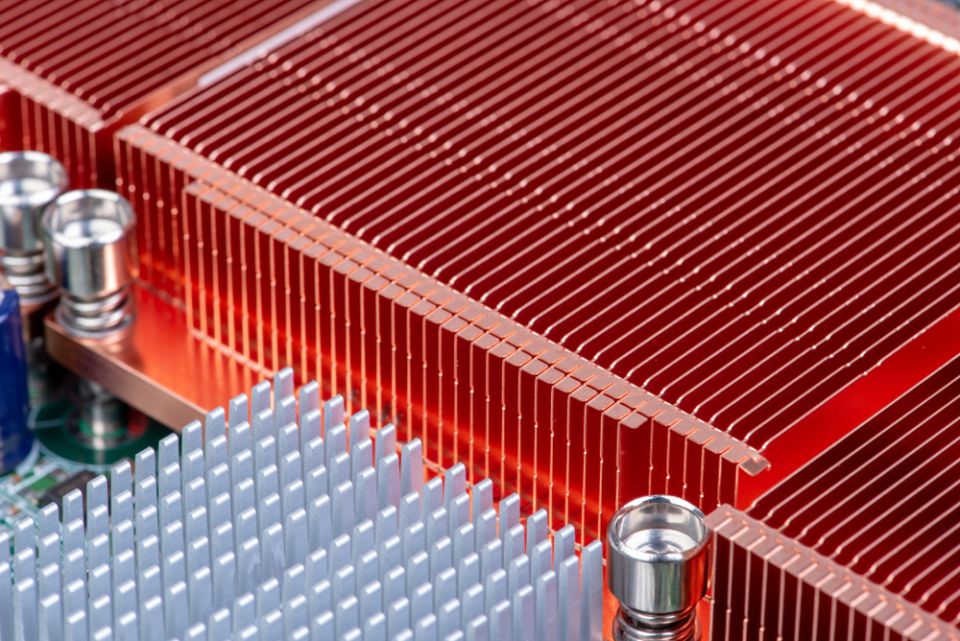
10 Top Components for Thermal Management in High-Performance Electronics
6 min
Newsletters
PCB 设计工程师
Modern electronics run hotter than ever. From AI datacenters and electric vehicles to smartphones and medical wearables, today’s devices push
阅读文章
Designing for the Heat: Thermal Management in Collaborative PCB Workflows
7 min
Newsletters
PCB 设计工程师
Optimize thermal management in collaborative PCB workflows. Plan stackups, TIMs, vias and 3D co-design to tame hotspots, airflow, EMI and ensure reliability.
阅读文章
High Power PCB Design: Pushing the Limits with Caleb Buck
48 min
Podcasts
Join host Zach Peterson on this episode of the OnTrack Podcast as he speaks with Caleb Buck, PCB Design Electronics
阅读文章
4:22
Relink Design Components to Managed Components
6 min
Videos
+1
PCB 设计工程师
Project Leads
电气工程师
工程经理
This video demonstrates how unmanaged projects can use managed components, even when a user is offline and using a local machine. In order to link this local project to an Altium 365 Workspace and integrate the resources of Altium 365 into this project, open tools and then the Item Manager. The Item Manager will scan the design and load any components within the design, showing that they are unmanaged. To relink these components located in the local library to the Altium 365 components, click auto match to match each component. If any components fail to match, users can select and navigate to the individual components and manually match them. Then, an ACL and ECO are generated, the changes are executed, and the components are updated. After this is completed, all of the components are updated to the latest revision. Configure the parameters "Visible on Add" by selecting enable for the "PackageCase" parameter and click okay. Refresh the screen and choose a component within the capacitors folder and place it. Now the case size is visible for that capacitor and the Properties Panel also displays this value.
阅读文章
1:14
Configure Visibility of Parameters on Components
2 min
Videos
+1
PCB 设计工程师
Project Leads
电气工程师
工程经理
This video demonstrates how to enable parameters when placing a component. The first step is to open the Explorer Panel, and within components, open the capacitors folder and right click for properties. Configure the parameters "Visible on Add" by selecting enable for the "PackageCase" parameter and click okay. Refresh the screen and choose a component within the capacitors folder and place it. Now the case size is visible for that capacitor and the Properties Panel also displays this value.
阅读文章
Pagination
First page
« First
Previous page
‹‹
页面
38
当前页面
39
页面
40
页面
41
页面
42
页面
43
Next page
››
Last page
Last »












 沪公网安备 31010502006411号