Skip to main content
Mobile menu
解决方案
Altium Develop
在 Altium Designer 中设计先进 PCB,可独立设计,也可在需要时连接评审、数据来源和发布协同。
Altium Agile Teams
在多学科电子开发与协作中引入结构化流程,确保效率与速度不受影响。
资源 & 支持中心
Altium 365 免费工具
Gerber Compare
在线 PCB 查看器
了解产品
下载
联系我们
关注微信
扫描二维码
关注Altium微信平台
资源 & 支持中心
用户指南
实战讲堂
学习中心
技术文档
支持中心
常见问题
Altium 社群
社群
Bug提交
创意
教育
学生实验室
Free access to professional PCB design software, training, and learning resources for students
教育者中心
A comprehensive education platform providing curriculum, software, training, and classroom resources for educators
Altium 教育课程
Free college- and university-level PCB design curriculum designed to prepare students for real-world engineering careers
Search Open
Search
Search Close
登录
Altium 365
Main menu
首页
PCB设计
团队协作
元器件创建
PCB数据管理
PCB设计输出和文档
ECAD/MCAD
HDI设计
高速设计
多板设计
PCB布局
PCB布线
PCB供应链
电源完整性
RF设计
刚柔结合板PCB设计
原理图输入
信号完整性
PCB设计仿真/分析
软件
Discover
Develop
敏捷团队
敏捷企业
Altium 365
Altium Designer
资源中心
项目
Altium Academy
工程新闻
指南书
新闻通讯
播客
项目
培训课程
网络研讨会
白皮书
首页
Altium 365
电子产品开发行业的 Altium 365 资源
Altium 365 在一个安全的云端协作平台上连接产品设计人员、工程师、采购团队和制造商。凭借集成的设计、供应链、制造和生命周期管理能力,它简化了整个电子产品开发流程。
开始使用 Altium 365
探索 Altium 365 平台
Altium 365 文档
Overview
指南
网络研讨会
视频
BOM Management
Data Security
客户案例
技术文档
All Content
Filter
found
Sort by
Most Recent
Most Popular
Title (A-Z)
Title (Z-A)
Role
ECAD 库管理员
电气工程师
工程经理
IT 经理
机械设计工程师
PCB 设计工程师
采购经理
软件工程师
Software
Altium Develop
Altium Agile 团队
Altium Designer
Altium 365
Assembly Assistant
BOM Portal
Cloud PLM Connector
PLM集成
Configurable Workflows
GovCloud
Jira Integration
MCAD CoDesigner
Octopart
Requirements Portal
Content Type
指南
视频
网络研讨会
白皮书
播客
Region
EMEA
Americas
What’s New in Altium 365: The New Library Importer, Generic Components, and MCAD CoDesigner 3.0 with Support for Multi-board Assemblies
4 min
What's New
New updates in Altium 365 are in. Check out the new Library Importer. We also improved the MCAD CoDesigner with the 3.0 version. And did you know that Altium 365 has been upgraded to 64-bit Git Service, allowing support for larger designs? Read now to learn more!
阅读文章
从其他版本控制系统迁移数据
1 min
Guide Books
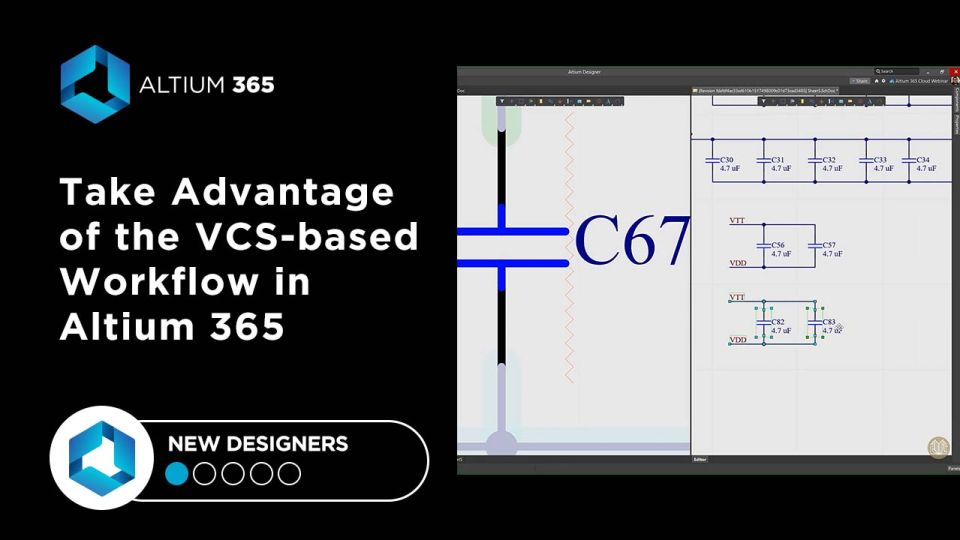
电子设备的开发总是涉及到许多不同类型文件的发布。而这些文件并非静态不变 - 它们会随着项目的进展而变化。在为项目填充数据时,用户会创建新文件并修改那些已经过时的无关文件。 管理项目数据是一个单独的任务,尤其是在涉及到多个具有不同专业化的参与者参与过程的大型开发中。 传统上,管理数据的一种方式是使用版本控制系统,如 Git或 SVN(Subversion)。它们允许您保持所有更改的详细历史记录,并适合协作工作。然而,这种方法的缺点是这些系统是通用系统,并没有考虑到电子开发的特殊性。在将数据管理过渡到设计中也存在挑战。 提交历史: 单独提交的详情: 存储管理器面板 Altium Designer内置了对版本控制系统的支持。项目面板显示了文件的状态,以及基本的 Git或 SVN命令(如 更新、 提交等)。 存储管理器 面板显示了项目文件更改的完整历史。 项目面板 存储管理器面板
阅读文章
What’s New in Altium 365: Library Health Dashboard, BOM Viewer, and Conflict Prevention
4 min
What's New
Check out the latest Altium 365 updates. Now you can assess your library’s health at a glance with the Library Health dashboard, view and share your bill of materials (BOM), and view and download PDF documents, all in your web browser. Read now to learn more.
阅读文章
What’s New in Altium 365: Version Control for Hardware, Layer Stackup in Web Viewer, and SOC 2 Type 1 Certification
3 min
What's New
The Altium 365 user community is now 20,000 strong! Recent updates include layer stack web viewer, SOC 2 Type 1 certification, and more. read all about it here.
阅读文章
使用Altium 365取代您的基础版本控制系统
1 min
Blog
关于Altium 365亮点的回顾,以及为什么你会选择它而不是普通的版本控制系统。
阅读文章
Customer Success Stories
Luxonis
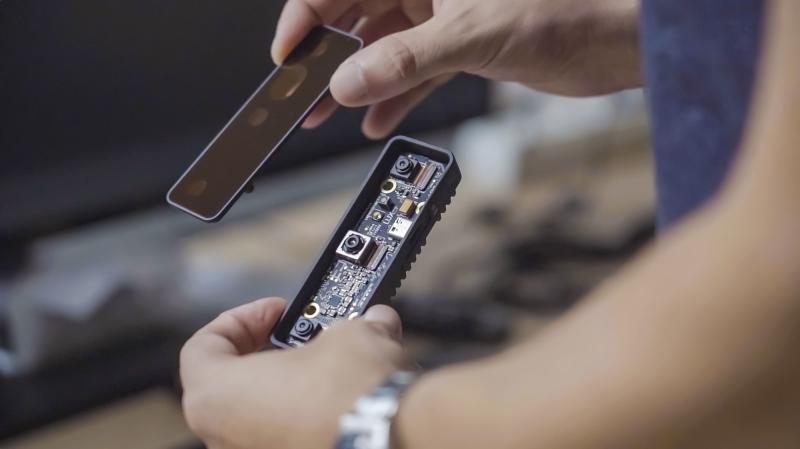
With engineers spread across three continents, Altium 365 has been crucial in helping Luxonis reduce version control errors while speeding up time to market.
为什么版本控制系统对PCB设计师有用
1 min
Blog
关于版本控制系统是什么、它的作用以及为什么您应该在您的Altium项目中使用它的综述。
阅读文章
Pagination
First page
« First
Previous page
‹‹
页面
34
当前页面
35
页面
36
页面
37
页面
38
页面
39
Next page
››
Last page
Last »








 沪公网安备 31010502006411号