




Altium Designer Quick Install Guide


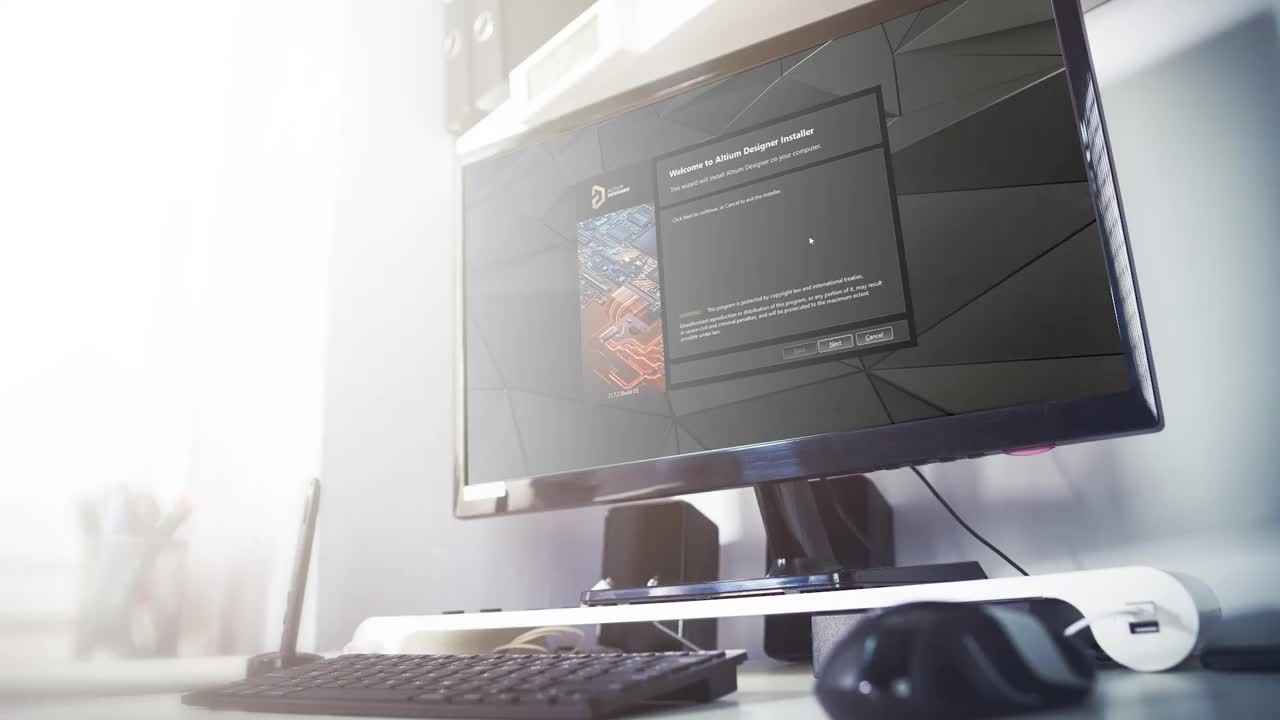
Since you now have access to the latest version of Altium Designer, let's take a few minutes to get it installed and licensed. It really comes down to three simple steps, let me show you, from the Altium home page.
Step 1: Download the Installer
Go ahead and sign in using your AltiumLive login credentials. Once you're signed in, go-to Resources and Support, and then download here on the Altium Downloads page, the latest installer for Altium Designer is right here at the top and always points to the latest release. Go ahead and click on the online installer and you'll be prompted for the location to save it on your client machine. Since you're right here, let's go ahead and activate your workspace so you can enjoy all of the enhanced features of Altium Designer. If you would like, you can give your workspace a name other than the default. This can also be changed at any time in the future. Take note of the closest location field, which should default to the proper location. Here, you just want to use a West Coast or East Coast server, whichever is closest to your geographic location. Click Activate and let it run shortly. The invite team members’ dialogue will pop up and be populated with all of the contacts in your account.
If you do invite the other members of your team, they will receive an email invitation allowing them to access the newly created workspace. You can always choose the Later option and invite them on an individual basis at any time. By now, the Altium Designer installer should be downloaded and ready for your new installation.
Step 2: Run the Installer
Go to the installer, right-click on it and choose Run as an Administrator, this cuts through some of the windows overhead and streamlines the installation process. Go through the wizard, and in a few minutes, Altium Designer will be installed.
Step 3: Activate the License
Now that we have Altium Designer installed, the only thing left to do is get it licensed. So let's open up the licensing page and take care of that. Here we sign-in using our Altium credentials, next we select a license we want to use, right-click on it and select Use.
It's three simple steps: download the installer, run the installer, and activate the license.
Now since you have your Altium 365 workspace all set up, let's connect to it. To do this, click where it says not connected, and then select your workspace. Now you can begin using all the powerful features of Altium Designer and Altium 365. The Altium 365 workspace is going to bring a whole new and powerful world to your fingertips. There's a whole plethora of content on our documentation page to help you get going with your new workspace. We also have videos in our Altium site and regular webinars, you're now ready to experience the power of Altium Designer and Altium 365.
Thank you for joining the Altium team and we'll see you soon.

关于作者
Related Technical Documentation
相关资源
Solutions for Every Role and Team
- Discover and evaluate design options earlier
- Develop in one shared workspace
- Scale with control and compliance
- Connect every stage of hardware development
Learn More
Thank you, you are now subscribed to updates.
 沪公网安备 31010502006411号