 下载PDF
下载PDF



View Configuration Panel


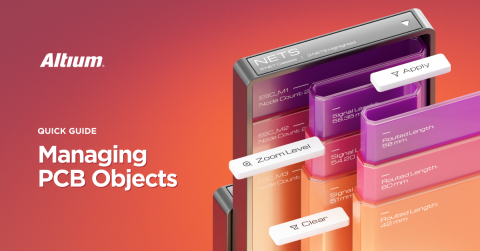
When designing a printed circuit board, you have to deal with a large amount of visual data of different kinds: layers, components, and much more. For efficient work, you should have abilities to display and use only the items that you need right now to solve a current task. The document below explains how to manage the view of your PCB using the View Configuration Altium panel. Master the tools for manipulating what and how is currently displayed and make your work as productive and comfortable as possible!
Quick Overview
The Altium View Configuration panel content is divided into two tabs: Layers & Colors and View Options.
Press L shortcut key for quick access. The Layers & Colors tab includes options to control the visibility of available layers, and add, rename, or delete mechanical layers.

Press Cntr+D shortcut keys for quick access.
The View Options tab includes options to select, save or load the Configuration of layer colors/visibility, configure the visibility of object types, control the masking and dimming levels, and configure other display-related options.

Layers & Colors Tab

The System Colors section of the Layers & Colors tab allows you to customize colors and displays for various system primitives and the workspace of the PCB Editor.

View the Options Tab in 2D Mode
The contents of the Altium View Options tab are different in 2D and 3D modes. This is what the tab looks like in 2D mode.

The Additional Options section of the View Options tab is in 2D mode. Here are the most commonly used:


View Other Options Tab in 3D Mode
The contents of the View Options tab are in 3D mode. Create, save, and apply display configurations for the 3D view!


关于作者
Related Technical Documentation
相关资源
目录
Solutions for Every Role and Team
- Discover and evaluate design options earlier
- Develop in one shared workspace
- Scale with control and compliance
- Connect every stage of hardware development
Learn More
Thank you, you are now subscribed to updates.
 沪公网安备 31010502006411号