



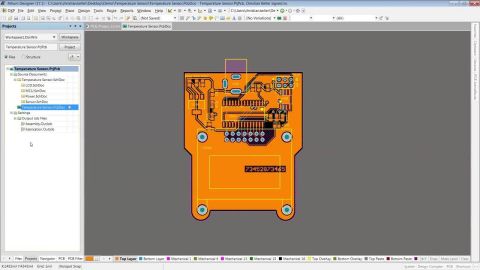



Editing Your PCB Geometry with MCAD Tools


You need to define your PCB geometry in the context of your enclosure. If your board cannot physically be assembled into the final product, it doesn't matter how well laid out it is electrically.
This webinar focuses on how the MCAD CoDesigner allows you to edit your PCB in the context of a higher-level assembly, allowing you to respect the relevant mechanical constraints. Topics covered include:
- Defining the board outline geometry in MCAD software
- Creating board cutouts and mounting holes in MCAD software
- Bi-directional design data transfer between Altium Designer and MCAD software
- Change history traceability with commenting, author, and time tracking.

关于作者
Related Technical Documentation
相关资源
Solutions for Every Role and Team
- Discover and evaluate design options earlier
- Develop in one shared workspace
- Scale with control and compliance
- Connect every stage of hardware development
Learn More
Thank you, you are now subscribed to updates.

 沪公网安备 31010502006411号