



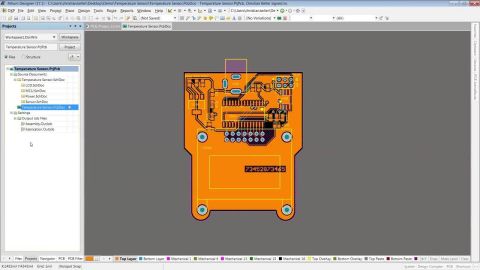



Spend More Time Innovating by Leveraging Templates


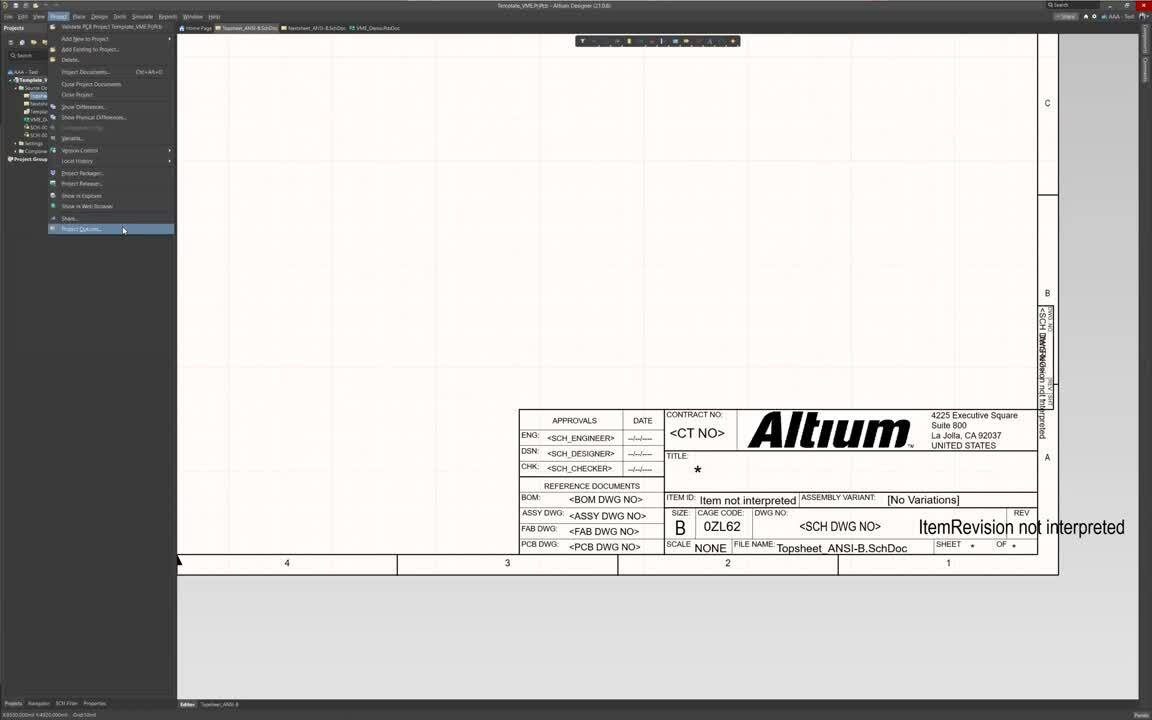
Today, designers typically use their EDA software defaults as a starting point and modify dimensions, units, grid settings, colors, and other environmental aspects as required. When starting projects, users generally will put in the effort each time and start from scratch with very little reuse of known-right settings, layer stacks, schematic sheet title blocks, etc.
Creating design data on the fly like this invites inconsistencies and risks to your projects. Templates in Altium Designer and Altium 365 help to eliminate these risks by allowing individual designers or design teams to start projects from a trusted point, with consistent design data. Join us for this informative webinar to see how Altium Designer utilizes templates throughout the design process.
In this webinar, we will explore the following areas:
-
Templatize each aspect of your design process
-
Push design templates for deployment to your team using Altium 365
-
Rapidly create uniform components
-
Create consistency across your design team
-
Reduce startup & onboarding time

关于作者
Related Technical Documentation
相关资源
Solutions for Every Role and Team
- Discover and evaluate design options earlier
- Develop in one shared workspace
- Scale with control and compliance
- Connect every stage of hardware development
Learn More
Thank you, you are now subscribed to updates.
 沪公网安备 31010502006411号