
Mobile menu
解决方案
Altium Develop
在 Altium Designer 中设计先进 PCB,可独立设计,也可在需要时连接评审、数据来源和发布协同。
Altium Agile Teams
在多学科电子开发与协作中引入结构化流程,确保效率与速度不受影响。
资源 & 支持中心
Altium 365 免费工具
Gerber Compare
在线 PCB 查看器
了解产品
下载
联系我们
关注微信
扫描二维码
关注Altium微信平台
资源 & 支持中心
用户指南
实战讲堂
学习中心
技术文档
支持中心
常见问题
Altium 社群
社群
Bug提交
创意
教育
学生实验室
Free access to professional PCB design software, training, and learning resources for students
教育者中心
A comprehensive education platform providing curriculum, software, training, and classroom resources for educators
Altium 教育课程
Free college- and university-level PCB design curriculum designed to prepare students for real-world engineering careers
Search Open
Search
Search Close
登录
设计库
Main menu
首页
PCB设计
团队协作
元器件创建
PCB数据管理
PCB设计输出和文档
ECAD/MCAD
HDI设计
高速设计
多板设计
PCB布局
PCB布线
PCB供应链
电源完整性
RF设计
刚柔结合板PCB设计
原理图输入
信号完整性
PCB设计仿真/分析
软件
Discover
Develop
敏捷团队
敏捷企业
Altium 365
Altium Designer
资源中心
项目
Altium Academy
工程新闻
指南书
新闻通讯
播客
项目
培训课程
网络研讨会
白皮书
首页
设计库
设计库
PCB设计库为您的设计团队改进efficency。浏览我们的资源库,详细了解库管理,可免费使用的PCB设计库。
Altium's Data Management Solutions
Solutions for ECAD Librarians
Documentation for File Based Libraries
Overview
指南
网络研讨会
视频
Tech Docs
All Content
Filter
found
Sort by
Most Recent
Most Popular
Title (A-Z)
Title (Z-A)
Role
ECAD 库管理员
电气工程师
工程经理
机械设计工程师
PCB 设计工程师
采购经理
软件工程师
Software
Altium Develop
Altium Agile 团队
Altium Agile Enterprise
Altium Designer
Altium 365
BOM Portal
Ciiva
PLM集成
MCAD CoDesigner
Octopart
Content Type
指南
视频
网络研讨会
白皮书
播客
Region
EMEA
Americas
PCB Design BOM Planning: A Balancing Act
6 min
Thought Leadership
The balancing act of knowing how much or little info is needed when designing your BOM is often convoluted and
阅读文章
Optimizing PCB Panelization Can Reduce Costs and Increase Yield
6 min
Thought Leadership
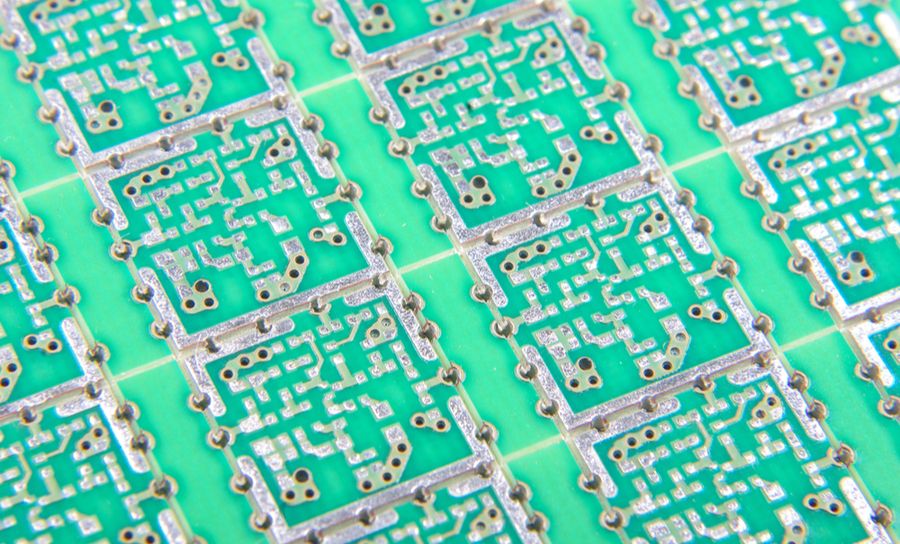
Once you have finished designing your board, you are probably ready to move on to the manufacturing stage. Back in
阅读文章
Get the Help you Need Selecting PCB Components with Bill of Materials Software
5 min
Thought Leadership
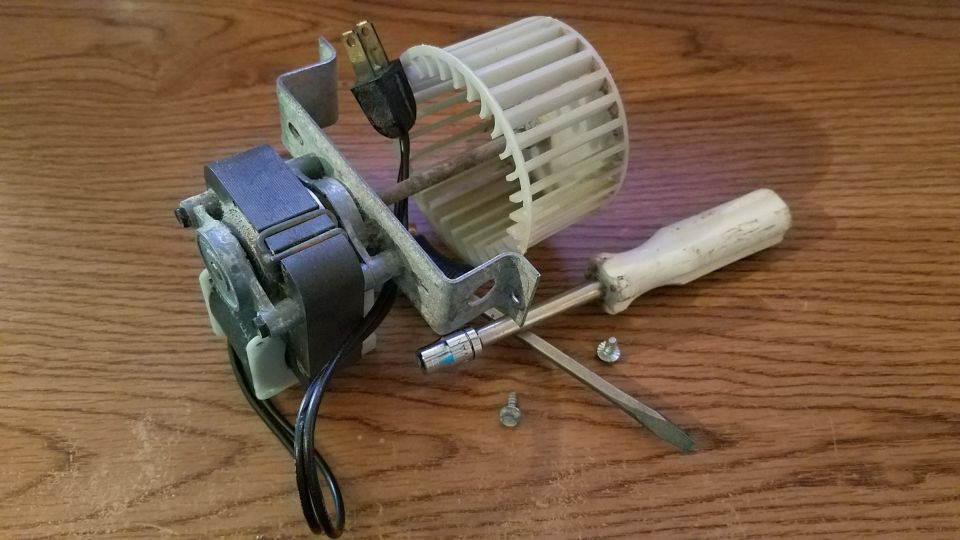
I’m in the middle of replacing the electric motor in my bathroom fan, but, unfortunately, I have no idea what
阅读文章
PCB Fabrication and Assembly Processes and Where Wave Soldering Fits In
6 min
Thought Leadership
Growing up, I sometimes felt like an Army brat. My dad was in the Air Force, not the Army and
阅读文章
在Altium Designer中创建元件封装的4个步骤
1 min
Blog
在布置印刷电路板时,务必要了解如何为设计元件创建封装。有些元件很常见,或者采用标准化封装,因此封装很容易找到。在某些情况下,封装生成可能需要您自己完成,并且您需要直接使用元件数据表中的信息。如果封装不正确,器件引脚可能与PCB焊盘无法对齐,或者器件可能违反间隙或间距规则,从而导致大量时间损失并产生额外成本。 设计您的PCB电路板时,您有时可以依靠已有的元件来为您的器件提供准确的封装。但是,情况并非总是如此,有时您总会不得不创建自己的封装。对于某些PCB设计软件包,这可能是一项艰巨的任务,在您精通之前需要经历难以接受的学习曲线。另一方面,借助Altium Designer
®
,您就可以使用强大的CAD工具快速生成元件封装。以下是如何使用Altium为设计元件创建封装的内容。 如何在Altium Designer中创建元件封装 通过以下4个步骤,在Altium Footprint Designer中生成元件封装: 创建焊盘 确定元件的高度和宽度 添加丝印层信息 保存封装 让我们逐步完成此过程,了解创建元件封装是多么简单。 通过4个简单步骤,在Altium Designer中创建封装设计,具体操作如下: 第1步:创建焊盘 您将需要元件的焊盘模式,可以在元件数据表的末尾或在您选择的数据库中找到。在本例中,让我们使用流行的PIC24FJ64GA004微控制器。该元件采用44引线塑料薄方型扁平式封装。 在Altium Footprint Designer中,位于文件
阅读文章
Automating Your BOM System for PCB CAD Library Quality and Compliance
6 min
Thought Leadership
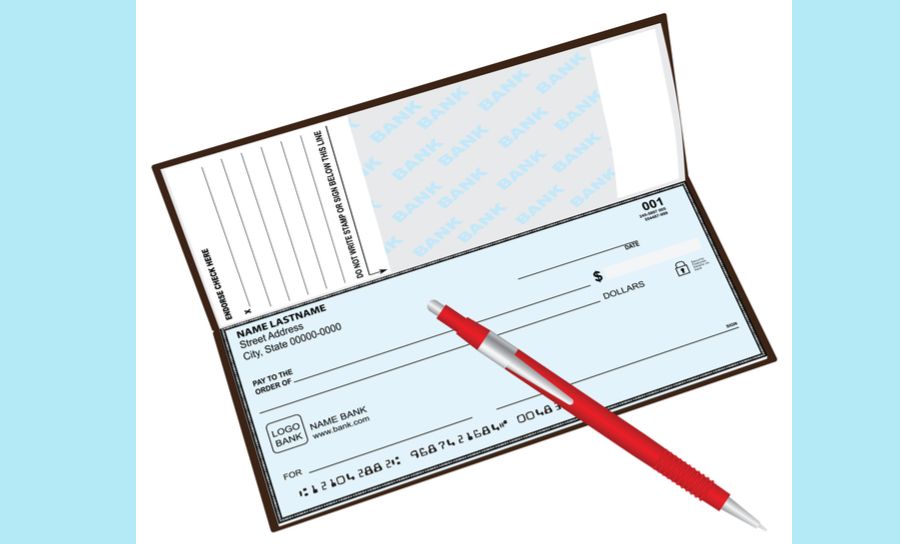
Some years back I was helping my son organize his finances, and he was explaining to me how he didn’t
阅读文章
Using a BOM Tool Enables You to Create Your Design with Confidence
6 min
Thought Leadership
My dog is so old that he sleeps 20 hours a day and naps the other four. Therefore it was
阅读文章
Pagination
First page
« First
Previous page
‹‹
页面
46
当前页面
47
页面
48
页面
49
页面
50
页面
51
Next page
››
Last page
Last »