

This page includes detailed information for features and functionality that are currently in Closed Beta. Altium Designer users: When you update your Altium Designer installation to a newer version and you use a Standalone or Private Server license, you may need to reactivate/refresh the license to be able to access and use new features and functionality. For more information, refer to the…
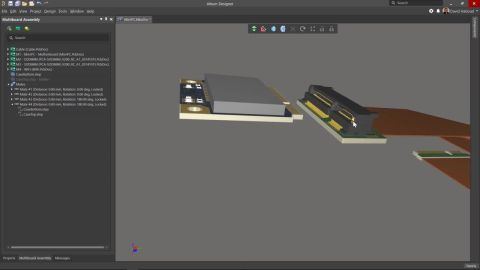
Altium's ECAD PCB editor supports two modes of Rigid-Flex design: the original mode (commonly referred to as Rigid-Flex 1), and the Advanced Rigid-Flex mode (also known as Rigid-Flex 2). From CoDesigner 3.4 onwards, CoDesigner also supports both modes of Rigid-Flex design. Read on to learn more about designing a Rigid-Flex PCB in ECAD. This CoDesigner rigid-flex synchronization functionality…
The Company Dashboard Authentication page allows Company Account Administrators to configure and enable Single Sign-On (SSO) capabilities for your Company Account, and includes support for SCIM (System for Cross-domain Identity Management) user and group provisioning, which automates the exchange of identity data between your company and its Identity Provider (IdP). This backend configuration…
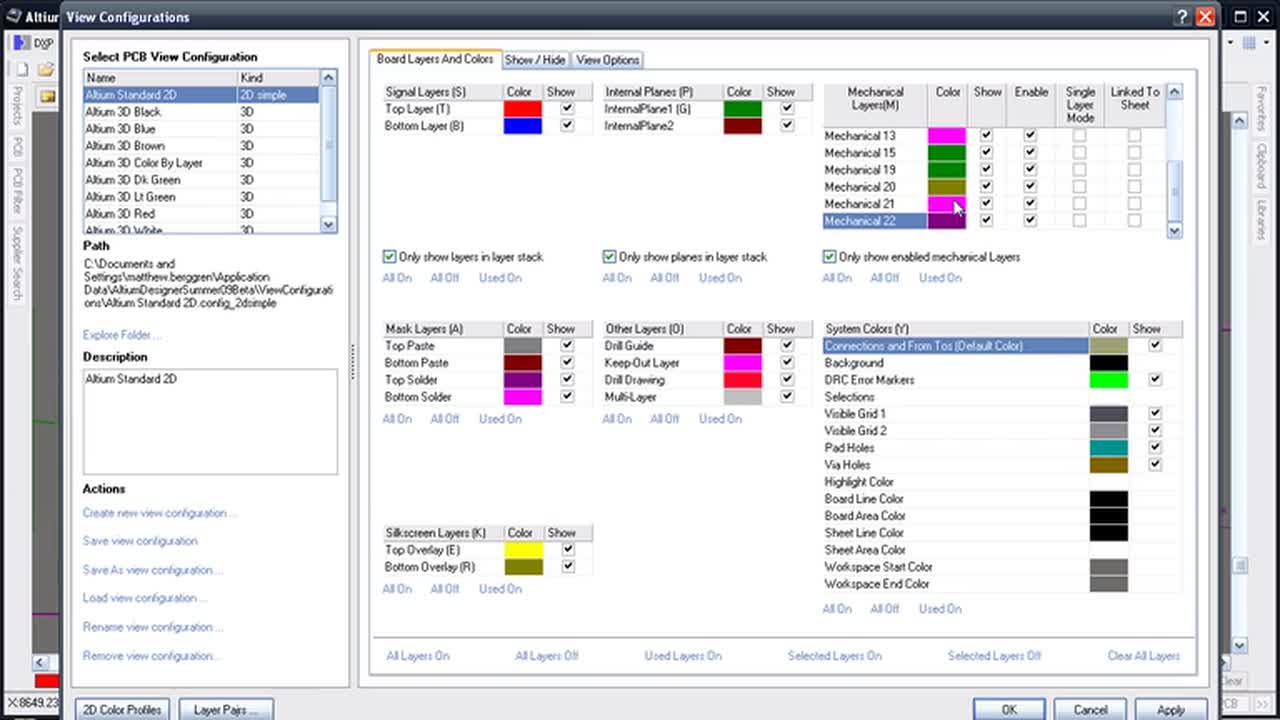
The Object Visibility region of the View Configuration panel can be used to set the transparency of each PCB object. Use the Transparency slide bar to set the percentage or enter the desired percentage directly in the percentage field. Altium Designer also provides support for setting the transparency of each object type individually and on a per-layer basis for each layer that can be used in…
Requirements Portal is an advanced engineering management tool used to ensure specification and performance compliance during system design development. When enabled for your Altium 365 Workspace, Requirements Portal integrates with your PCB design projects through the exchange of design data and formalized Requirements instances. The system requirements, as created in Requirements Portal, can be…
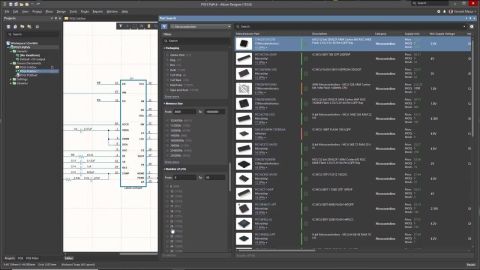
Parent page: Capturing Your Design Idea as a Schematic When creating a schematic, you can use both your own component libraries accessible from the Components panel and thousands of real-world manufactured parts available through the Manufacturer Part Search panel. You can search for the required component by specifying the category, using parametric filtering or using straightforward search mode…
Release Notes Release Notes for Altium Designer 15.1 Release Notes for Altium Designer 15.0 Historical Release Notes QuickLinks Exploring Altium Designer Altium Designer - Features Altium Designer 15.1 Released: 8 May 2015 - Version: 15.1.9 Released: 2 June 2015 - Version: 15.1.12 Released: 2 July 2015 - Version: 15.1.13 Released: 22 July 2015 - Version: 15.1.14 Released: 14 September 2015 -…
VBScript Subroutines and Functions This section provides an overview of using subroutines and procedures in Altum Designer VisualBasic scripts. Passing Parameters to Procedures When a function or subroutine (a procedure/method) that can accept parameters is defined in a script, variables can be passed to the function or subroutine in two ways: by reference or by value, using ByRef or ByVal…
Perhaps the single thing you can do to become more productive in any software environment is to learn the shortcut keys. Keystrokes are more efficient than carefully positioning a mouse over a button or drilling through menus, and once learned become second nature. This page gathers together the default shortcuts that are available across the various design domains within Altium Designer…
The common function statements used by the DelphiScript language are covered below. The range of DelphiScript functions are presented in sections for FileIO routines, Math routines, String routines, and Extension routines. Calculating Expressions with the Evaluate Function The built-in function Evaluate interprets a string containing a valid mathematical expression during runtime and a result is…
开始使用