
Mobile menu
解决方案
Altium Develop
在 Altium Designer 中设计先进 PCB,可独立设计,也可在需要时连接评审、数据来源和发布协同。
Altium Agile Teams
在多学科电子开发与协作中引入结构化流程,确保效率与速度不受影响。
资源 & 支持中心
Altium 365 免费工具
Gerber Compare
在线 PCB 查看器
了解产品
下载
联系我们
关注微信
扫描二维码
关注Altium微信平台
资源 & 支持中心
用户指南
实战讲堂
学习中心
技术文档
支持中心
常见问题
Altium 社群
社群
Bug提交
创意
教育
学生实验室
Free access to professional PCB design software, training, and learning resources for students
教育者中心
A comprehensive education platform providing curriculum, software, training, and classroom resources for educators
Altium 教育课程
Free college- and university-level PCB design curriculum designed to prepare students for real-world engineering careers
Search Open
Search
Search Close
登录
PCB布线
Main menu
首页
PCB设计
团队协作
元器件创建
PCB数据管理
PCB设计输出和文档
ECAD/MCAD
HDI设计
高速设计
多板设计
PCB布局
PCB布线
PCB供应链
电源完整性
RF设计
刚柔结合板PCB设计
原理图输入
信号完整性
PCB设计仿真/分析
软件
Develop
Discover
Agile
Altium 365
Altium Designer
资源中心
项目
Altium Academy
工程新闻
指南书
新闻通讯
播客
项目
培训课程
网络研讨会
白皮书
首页
PCB布线
PCB布线
PCB中的布线在元件之间建立铜连接,成功的布线实践将有助于确保信号完整性、低串扰和低EMI。浏览我们的资源库,详细了解PCB布线,以及PCB布局软件如何帮助您遵守布线规则和信号标准。
Altium Designer中的PCB布线
什么是PCB布线?
在Altium Designer中布线PCB
Overview
指南
网络研讨会
视频
Customer Stories
Tech Docs
All Content
Filter
found
Sort by
Most Recent
Most Popular
Title (A-Z)
Title (Z-A)
Role
ECAD 库管理员
电气工程师
工程经理
机械设计工程师
PCB 设计工程师
Software
开发
Altium Designer
Altium 365
PLM集成
Octopart
Content Type
指南
网络研讨会
视频
播客
白皮书
CAN-Bus: Introduction and History
13 min
Blog
Take a look at our controller area network bus introduction. You'll learn about the history of CAN buses, their purpose, and how they were created.
阅读文章
PCBs with Gold Traces and Conductors, Now on Flex Materials
5 min
Blog
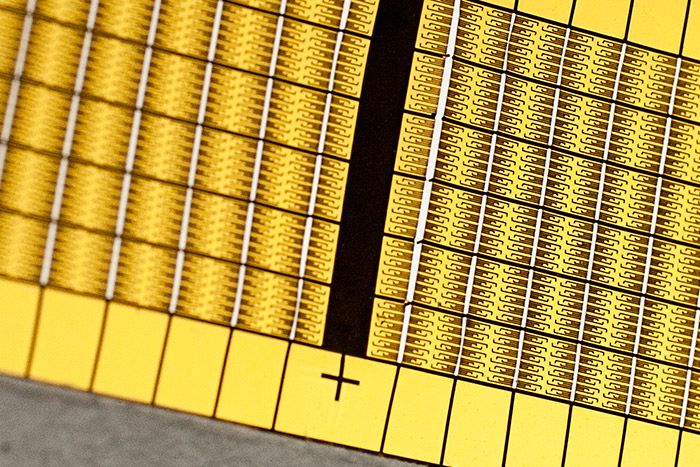
Flexible polyimide is bio-compatible and critical to many medical applications. Gold PCB traces on flex PCBs provides a fully biocompatible option. Here's how the fabrication process works.
阅读文章
Best Single Layer PCB Design Software for Your Single-Sided PCB
7 min
Blog
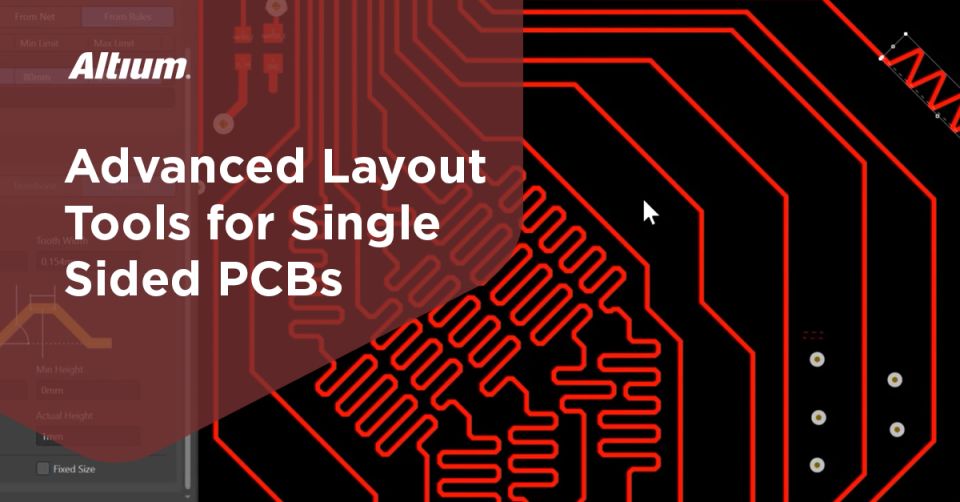
A one-sided PCB design needs the same attention to detail in its design as a large multi-layer board, it needs
阅读文章
Alternatives to TEM Modes Transmission Lines
6 min
Blog
112 Gbps interconnects are pushing the TEM mode transmission line to its limit. What’s going to happen next?
阅读文章
Online Circuit Block Diagram Maker: Your Guide to Building PCBs with Altium Designer
7 min
Guide Books
Some PCB design software packages make you feel like you’ve been bamboozled. On one hand, you’re told that you’ll have
阅读文章
Customer Success Stories
SpaceQuest
Find out how SpaceQuest used Altium to develop an experimental identification system from concept to flight hardware in six weeks.
利用BOM管理软件保持您的PCB设计正确
1 min
Blog
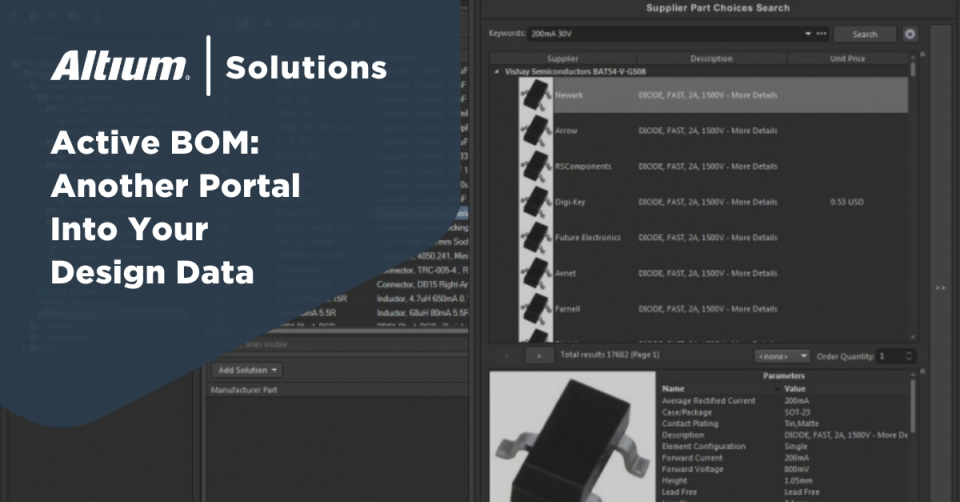
使用 Active BOM,您可以消除对元件浏览器的任何猜测,并帮助您正确开始PCB设计。 ALTIUM DESIGNER 一个保持PCB在生产的所有阶段持续前进的PCB设计工具。 您是否厌倦了等待其他人对您的元件提供反馈,然后您才能开始工作?您是否厌倦了由于元件信息不正确或过时导致的设计最后时刻的预算超支?如果这听起来像是您经常面临的一些问题,您可能已经深陷设计缓慢的挫败感中。如果在您放置元件到原理图上时,也能直接从供应商那里获得这些部件的实时信息,那不是很好吗?如果在您创建原理图时,能有一个实用且详细的列表,列出您在设计中使用的所有元件,所有这些都在一个活跃的库中,那不是很好吗? 好消息是,现在你可以做到这一点了。从你的PCB设计工具中获取当前和详细的元件信息和数据,只是使用Altium Designer的Active BOM时你可以享受到的一些优势,这是最佳的交互式BOM插件。物料清单BOM管理(ActiveBOM)使得材料管理、组织、账单、产品和产品开发以及产品生命周期管理变得更加简单,所有必要的信息都可以实时更新并在你的软件中获得。 Active BOM:另一个进入你设计数据的门户 实时BOM管理(ActiveBOM)功能是Altium Designer工具套件中的最新添加之一。与Altium Designer的原理图编辑器、活动库和PCB布局应用程序一起,Active BOM为你的设计数据提供了一个门户。有了它,你可以拥有所有组件的完整和详细列表、实时BOM版本和BOM项目,并且可以直接在设计中处理组件数据。Active BOM允许你在原理图和布局中交叉选择组件,使其成为你在工作中以及在设计审查中的宝贵工具。 Active BOM 还提供了与您的零件管理器和供应商的云连接,集成了BOM版本控制,使您能够获取最新的零件定价和可用性信息以及最新的技术数据。是的,即便拥有所有这些功能,您仍然可以直接从Active
阅读文章
Pagination
First page
« First
Previous page
‹‹
页面
27
当前页面
28
页面
29
页面
30
页面
31
页面
32
Next page
››
Last page
Last »